
Cheap Thermal Imaging Cameras Module Analyze: Professional-Grade Performance & Reliable Functionality
2026年1月4日
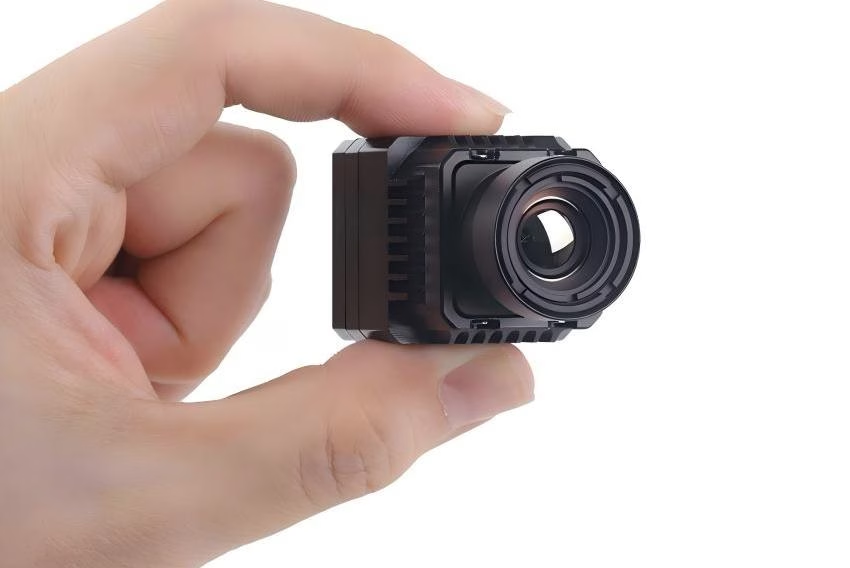
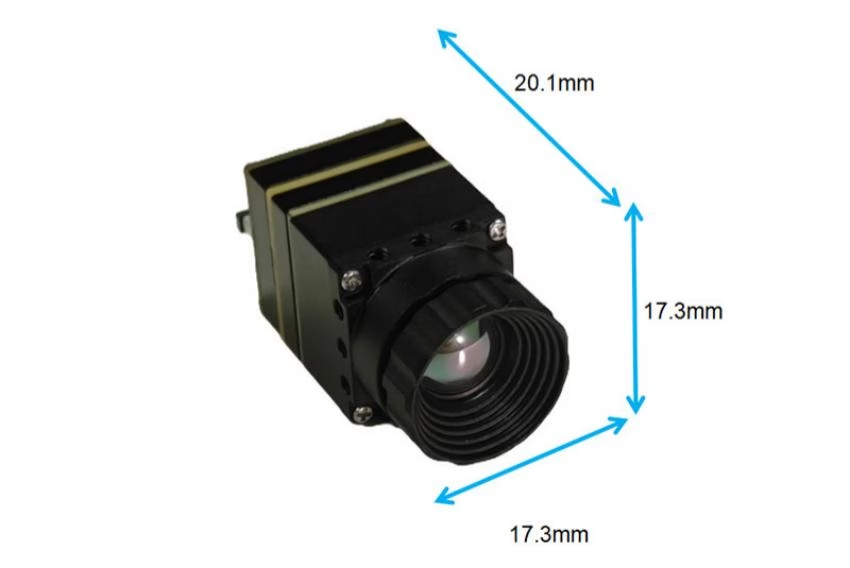
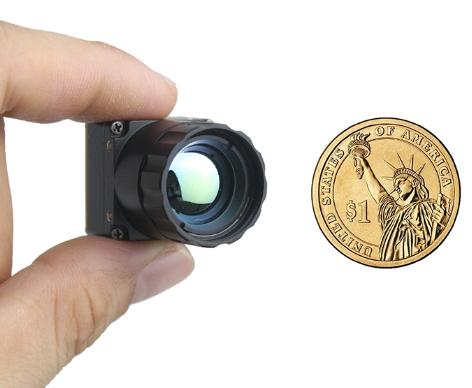
Mini 640 Thermal Camera Module: The Era of "Micro" Power
2026年1月16日
Integrating a high-performance thermal camera core into your existing system shouldn't be a guessing game. For many B2B developers and OEM manufacturers, the biggest hurdle isn't the thermal technology itself—it's the nightmare of complex interface customization and unclear integration workflows.
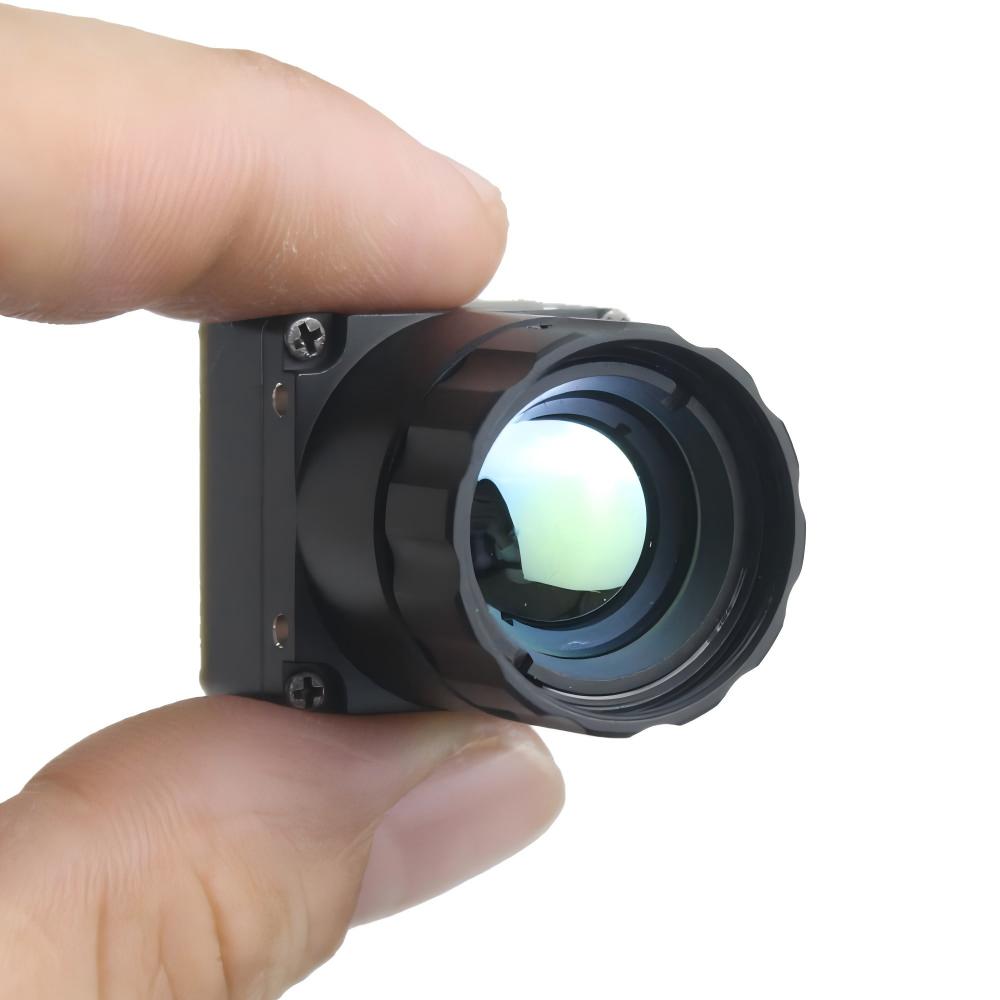
When you are building a security system, a drone payload, or a handheld diagnostic tool, you need more than just a sensor. You need a solution that speaks your language, whether that is MIPI, USB-C, or analog video.
In this guide, we will break down how to select the right uncooled thermal camera module for your project, navigate the challenges of hardware integration, and why the right SDK documentation can save your engineering team hundreds of hours.
Understanding the Uncooled Thermal Camera Module
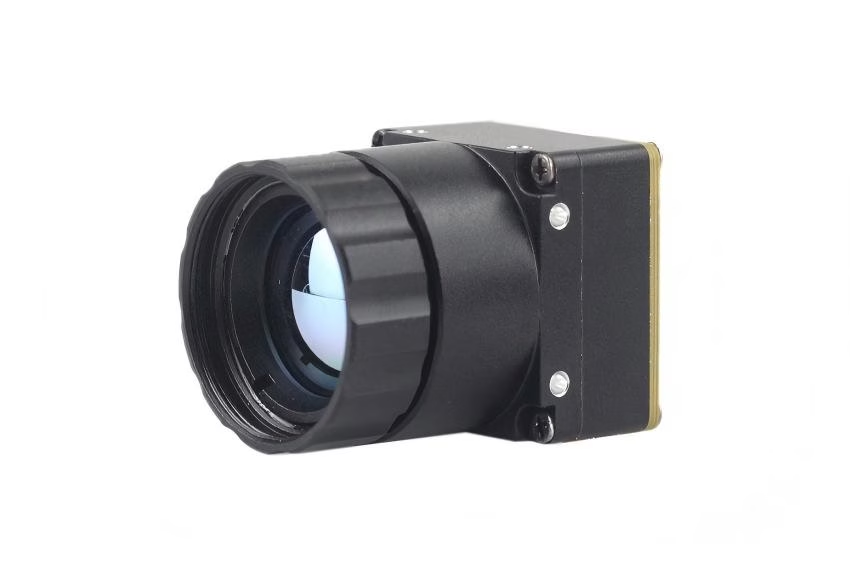
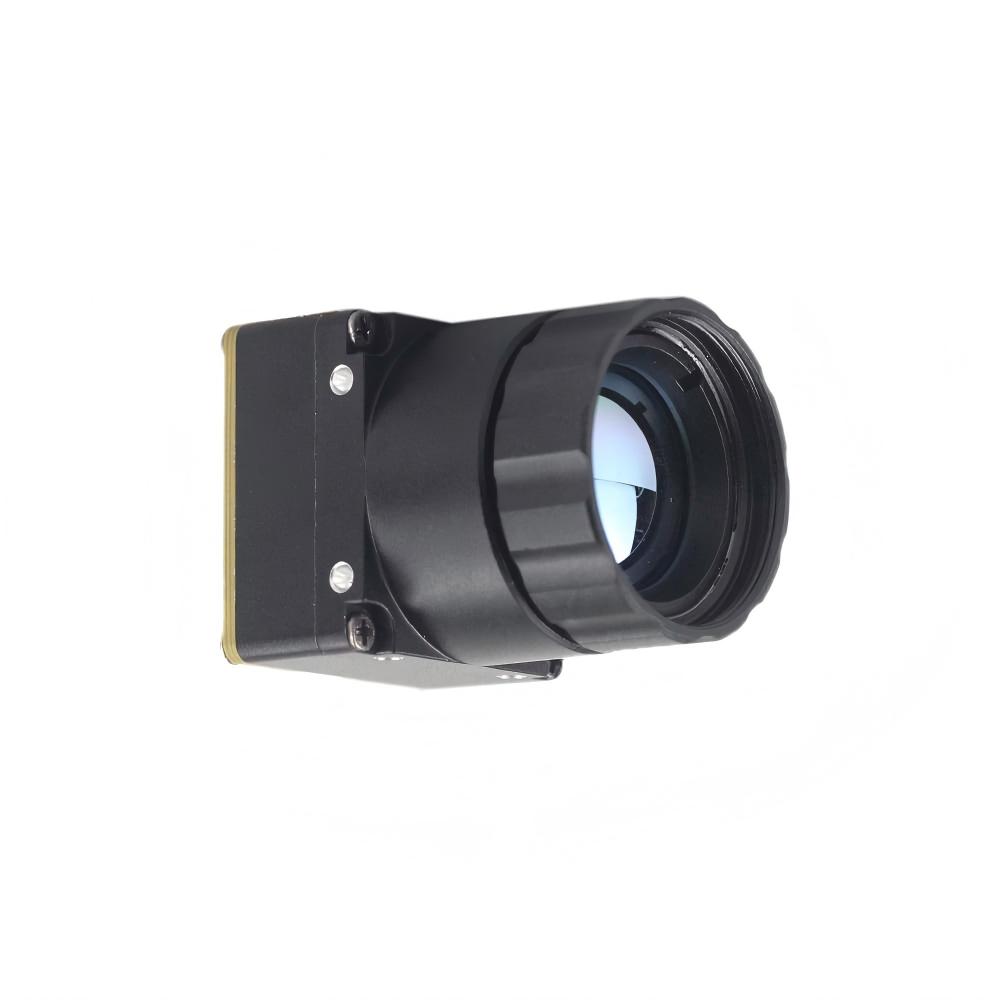
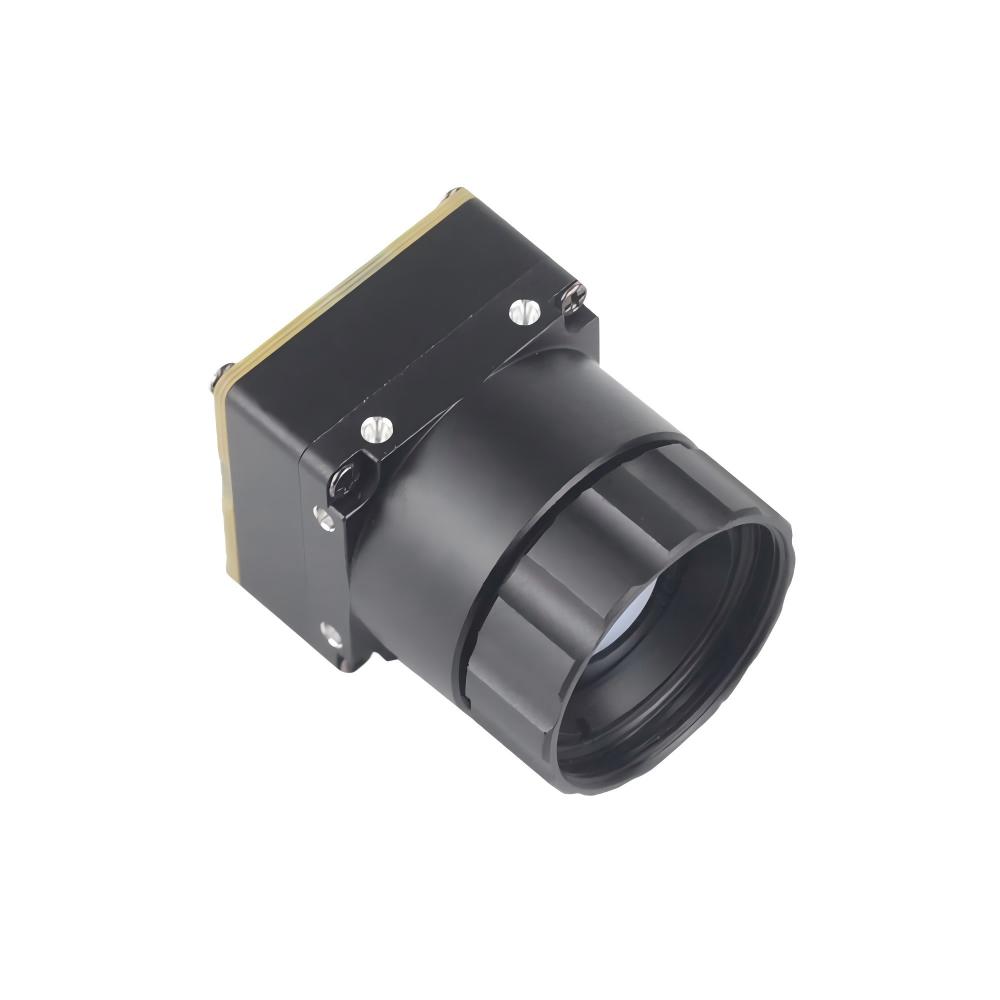
Before diving into integration, it is crucial to define what modern system integrators should expect from an uncooled thermal camera module. Unlike cooled cameras, which are bulky and require frequent maintenance, uncooled cores use microbolometer technology to detect infrared radiation.
These cores are the engine of your thermal imaging solution. However, not all cores are created equal. High-quality cores offer a balance between sensitivity (NETD), resolution, and size, weight, and power (SWaP) optimization.
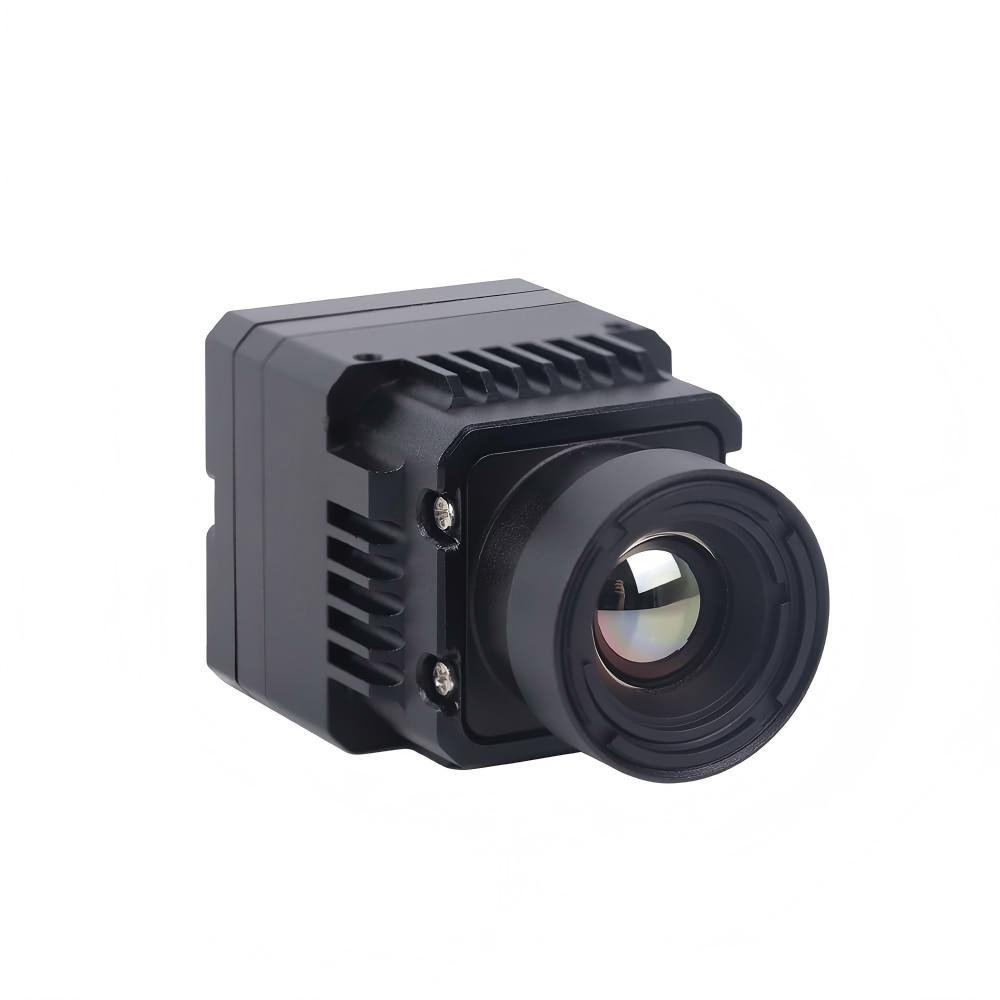
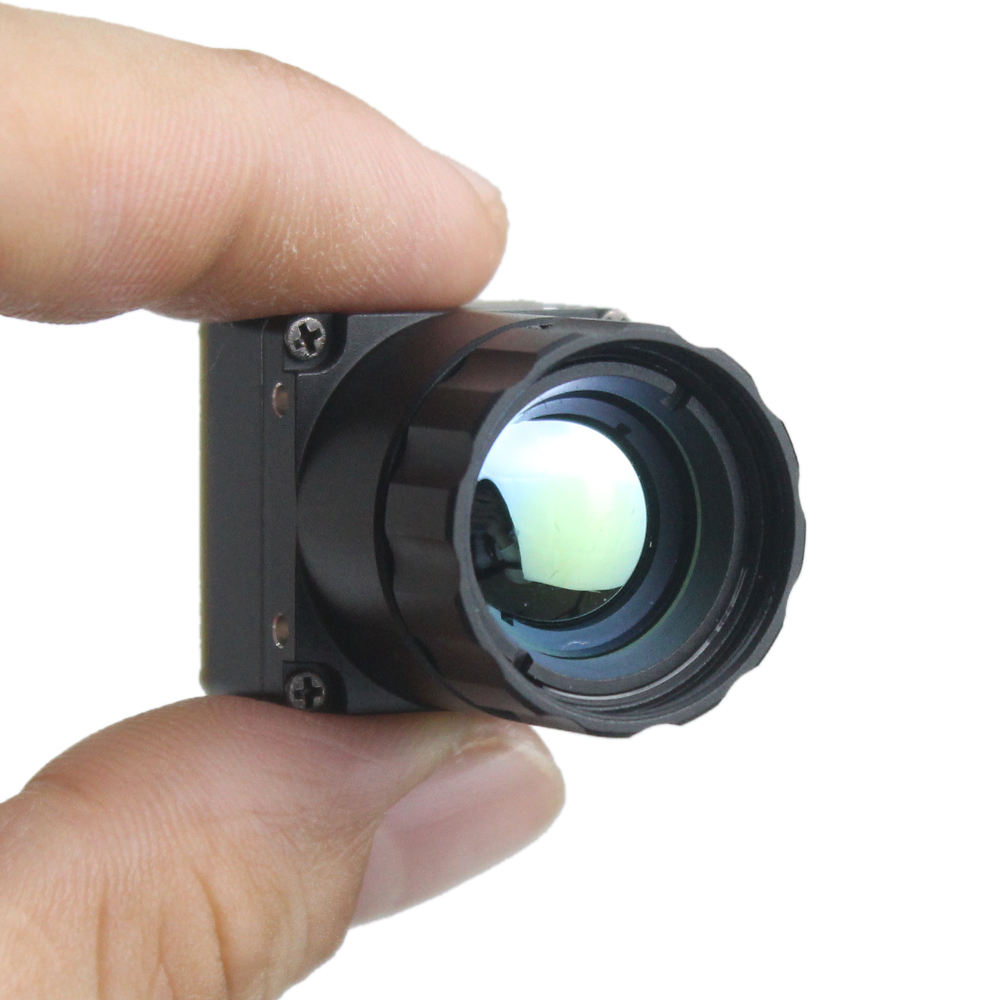
For professional applications, you need a thermal camera core that delivers crisp imagery without requiring a massive power supply or a heavy cooling mechanism. This efficiency makes them ideal for portable and embedded applications.
Overcoming Interface Customization Challenges
The most frequent complaint we hear from engineers is the difficulty of interface customization. You might find a core with excellent specs, but if it only supports a proprietary interface that doesn't match your main board, it is useless.
The Need for Interface Versatility
A professional-grade thermal camera core must offer flexibility. We understand that different projects have different data transmission requirements:
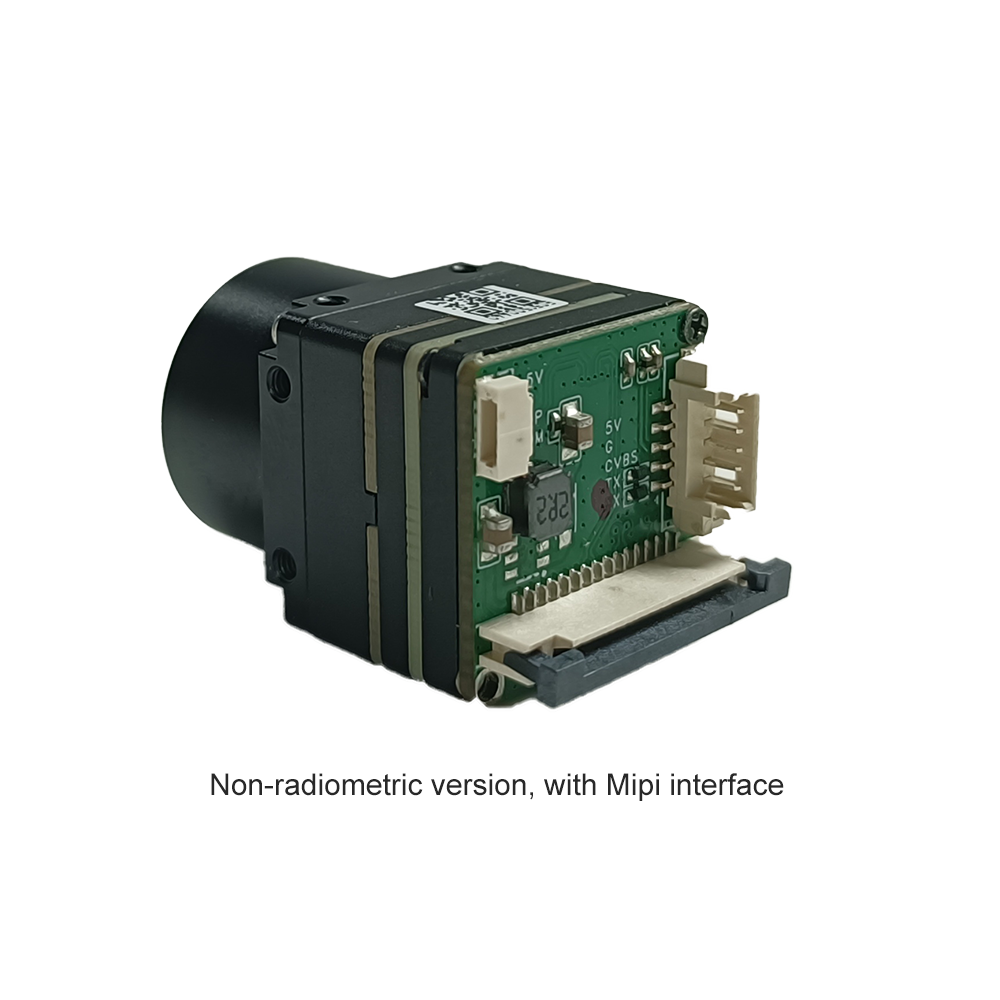
- MIPI (Mobile Industry Processor Interface): Ideal for embedded systems and mobile applications where high-speed image data transfer is critical.
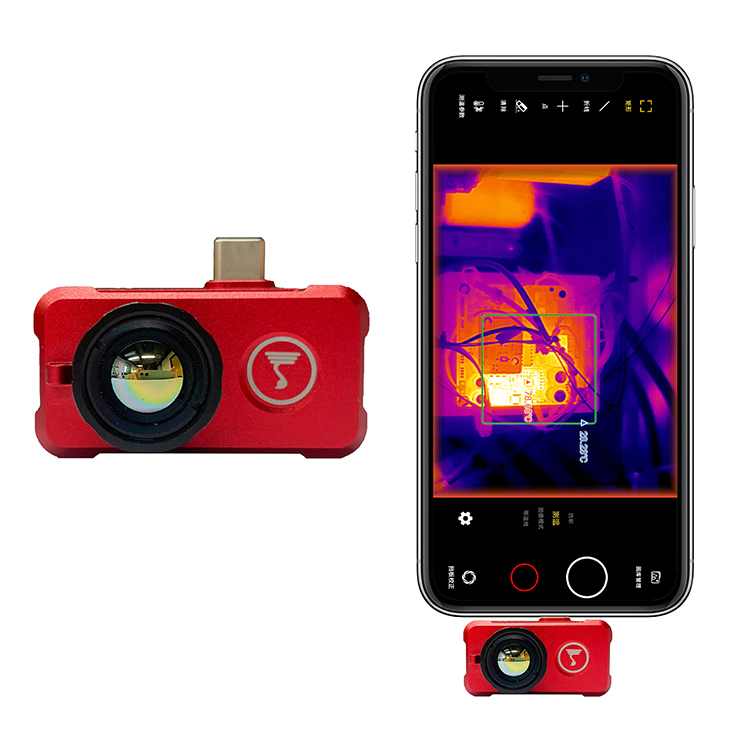
- USB-C: Perfect for plug-and-play solutions, quick prototyping, and PC-based analysis software.
- Analog/HDMI: often required for legacy security systems or direct display outputs.
By choosing a module that supports these standard interfaces natively, you eliminate the need for expensive, custom-built adapter boards that introduce latency and points of failure.
Why a Comprehensive SDK is Non-Negotiable
Hardware is only half the battle. In the B2B sector, the "Do It Yourself" (DIY) aspect refers to the software integration and system prototyping done by your engineering team. Nothing stalls a project faster than a thermal camera core that comes with a "black box" SDK or poor documentation.
Accelerating Development Time
To streamline your integration process, the manufacturer must provide a Software Development Kit (SDK) that is:
- Complete: Covering all functions including palette switching, thermography data access, and non-uniformity correction (NUC).
- Cross-Platform: Supporting Windows, Linux, and Android environments.
- Well-Documented: Clear API references and sample code.
Our clients frequently report that switching to our modules reduced their software development cycle by weeks, simply because our SDK instructions are transparent and our support team is responsive.
Cost-Effectiveness Without Compromising Quality
In the current market, there is a misconception that "customizable" equals "expensive." This is no longer the case.
Advancements in manufacturing have allowed us to produce the uncooled thermal camera module at a price point that makes it accessible for volume production. Whether you are a startup building a prototype or an established manufacturer scaling up production, cost efficiency is key.
However, a lower price should not mean lower service. When evaluating suppliers, look for those who offer direct technical support. If you encounter a glitch during the mipi-to-processor handshake, you need a support engineer who knows the hardware, not a chatbot.
Key Factors When Selecting a Thermal Camera Core
To help you make an informed decision, here is a checklist for evaluating potential thermal cores for your project:
1. Resolution and Pixel Pitch
Does the application require standard radiometric data (384x288) or high-definition imaging (640x512)? Smaller pixel pitch (e.g., 12μm) generally allows for smaller lens sizes and more compact designs.
2. Frame Rate
For drone usage or moving targets, a high frame rate (30Hz or 60Hz) is essential to avoid motion blur. For stationary monitoring, lower frame rates may suffice and reduce data processing loads.
3. Thermal Sensitivity (NETD)
The lower the NETD value (measured in milli-Kelvins, mK), the better the camera can distinguish small temperature differences. A professional thermal camera core should typically offer an NETD of <40mK or <50mK.
4. Integration Support
Does the vendor offer a clear path for customization? If your project requires a unique form factor or specific pinout configuration, ensure the supplier has the engineering capacity to assist you.
Real-World Applications
Industrial Inspection Drones
Integrators use our lightweight cores via MIPI interfaces to feed thermal data directly into the drone's flight controller, allowing for real-time analysis of solar panels and power lines.
Handheld Medical Diagnostics
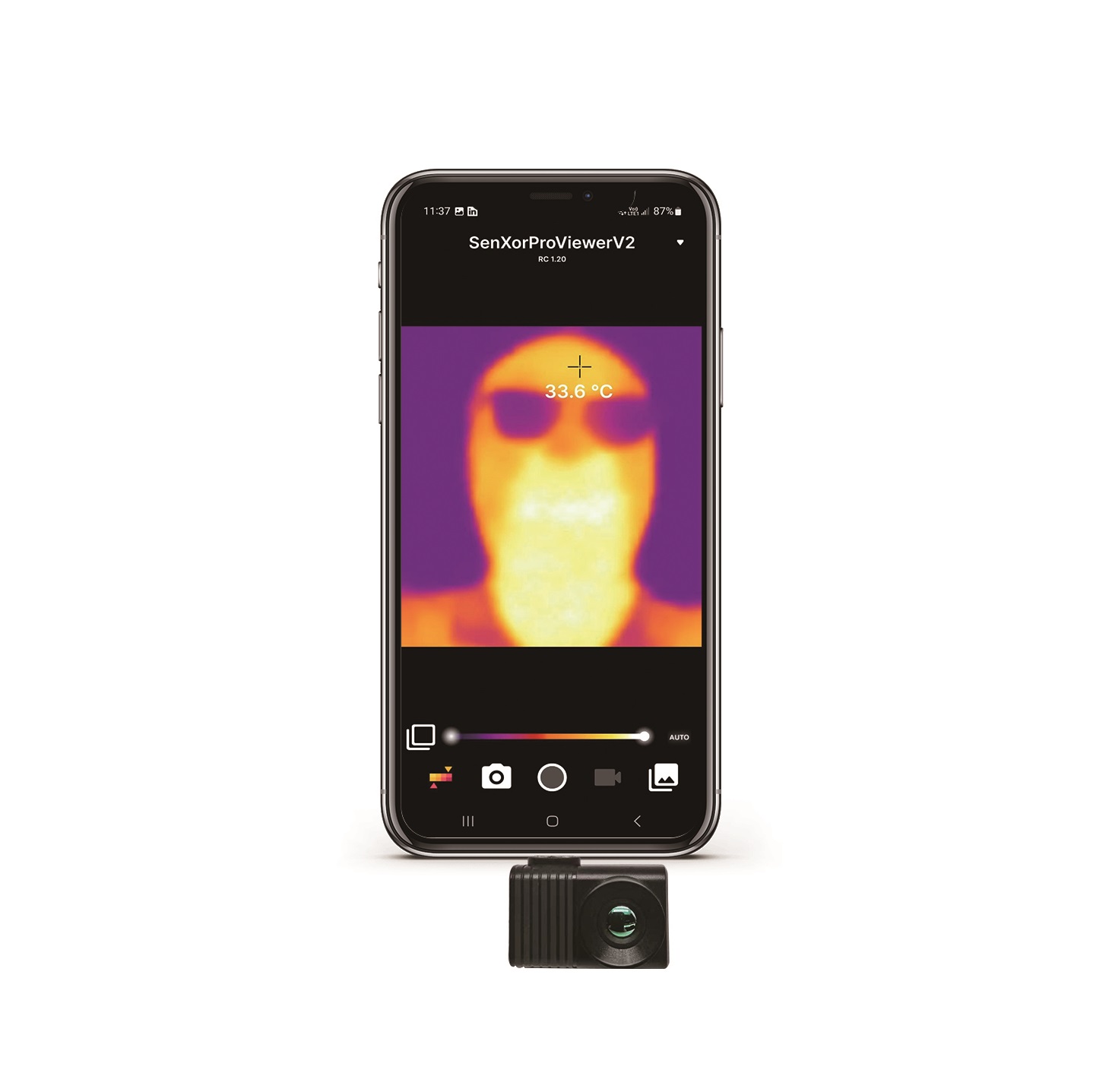
Using the USB-C interface, medical device manufacturers have built portable scanners that connect to tablets, utilizing our SDK to render temperature maps for inflammation detection.
Automated Security Systems
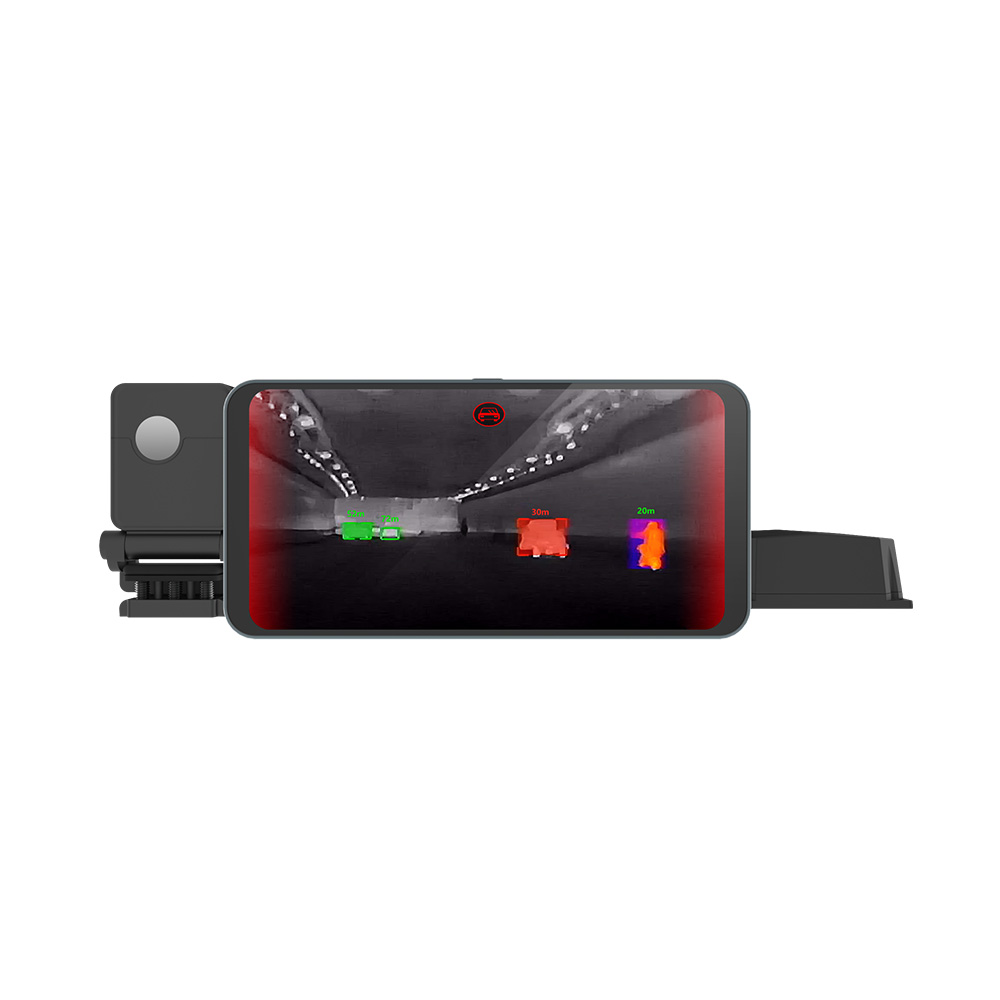
Security firms utilize the programmable nature of the thermal camera core to set automated alarms based on specific temperature thresholds, reducing false alarms caused by lighting changes.
Conclusion
The success of your thermal imaging project hinges on the component at its heart. A high-quality thermal camera core does more than just detect heat; it integrates seamlessly into your ecosystem.
By prioritizing interface versatility (MIPI, USB-C), demanding comprehensive SDK documentation, and choosing a partner with responsive technical support, you can eliminate the confusion often associated with thermal integration.
Don't let unclear DIY processes or rigid hardware limit your product's potential. Choose a solution that is designed for developers and priced for scale.
Ready to Start Your Integration?
Are you looking for a cost-effective, high-performance thermal core for your next project?
[Contact Us Today] to request a datasheet, get a quote, or speak directly with our engineering support team about your specific interface requirements. Let's build your solution together.