
Safeguard Assets: 5 Thermal sensor module mastery secrets
2026年2月19日Revolutionize Security: 6 Pro CVBS Thermal Camera Module Uses
2026年2月28日
5 mastery methods to optimize USB thermal camera module ROI
Integrating a USB thermal camera module into industrial automation isn't just about sticking a sensor on a machine. It’s a high-stakes game where hardware latency and data mess-ups can eat your budget alive. I’ve spent years consulting on these projects, and frankly, most engineers hit a wall because they treat the sensor as an afterthought. Here is how you turn that hardware into a serious profit center.
1. Streamlining integration with plug and play infrared sensors
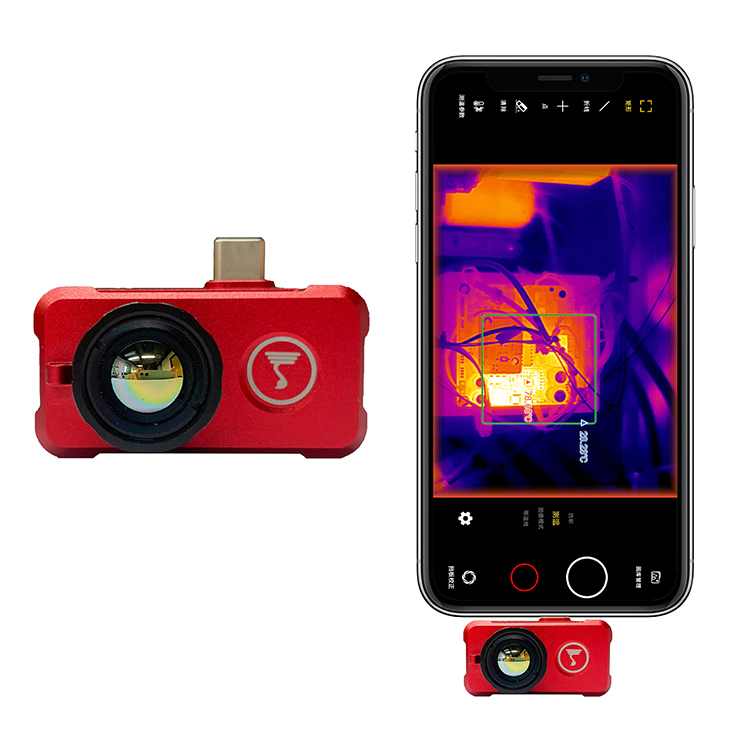
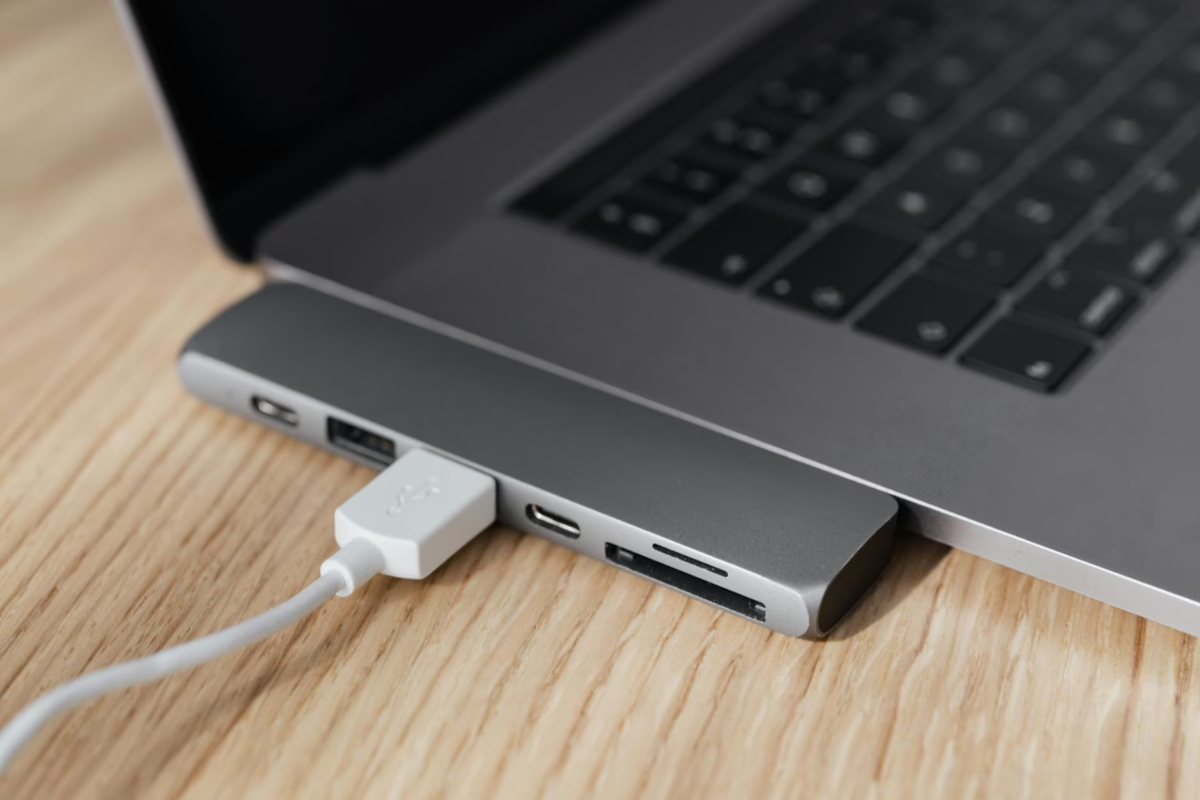
Look, the best hardware is the kind that stays out of your software developer’s way. Every hour spent wrestling with proprietary drivers is an hour of lost ROI. Choosing a Plug and play infrared sensor means your team bypasses the headache of complex capture cards. Since it uses a standard USB interface, it works across Windows, Linux, and Android the moment you plug it in.
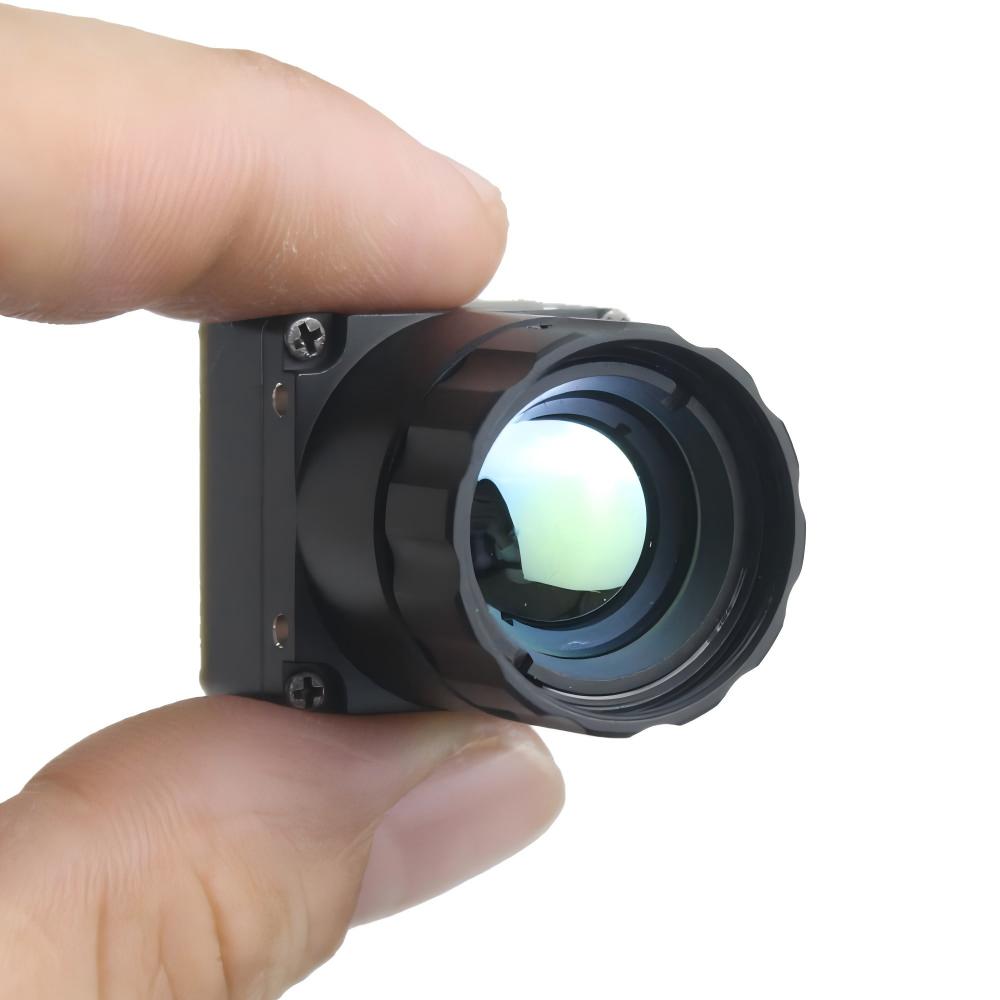
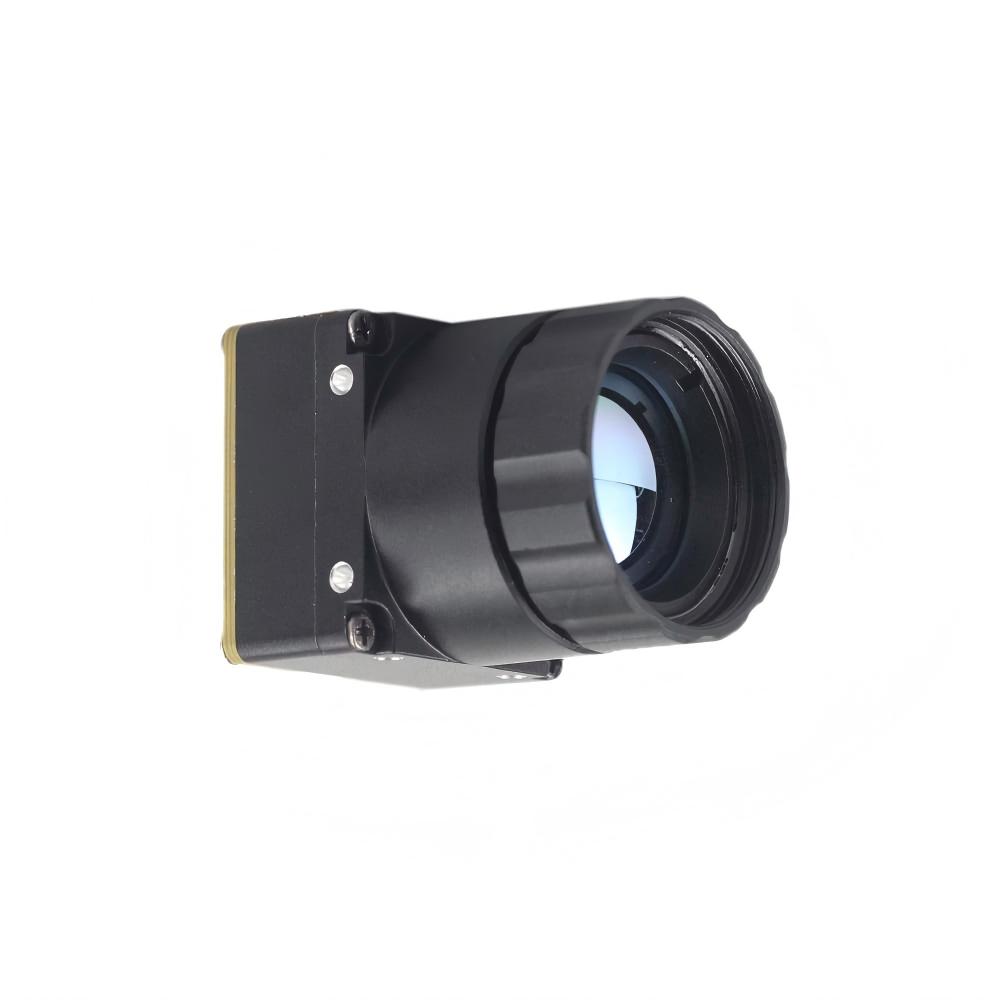
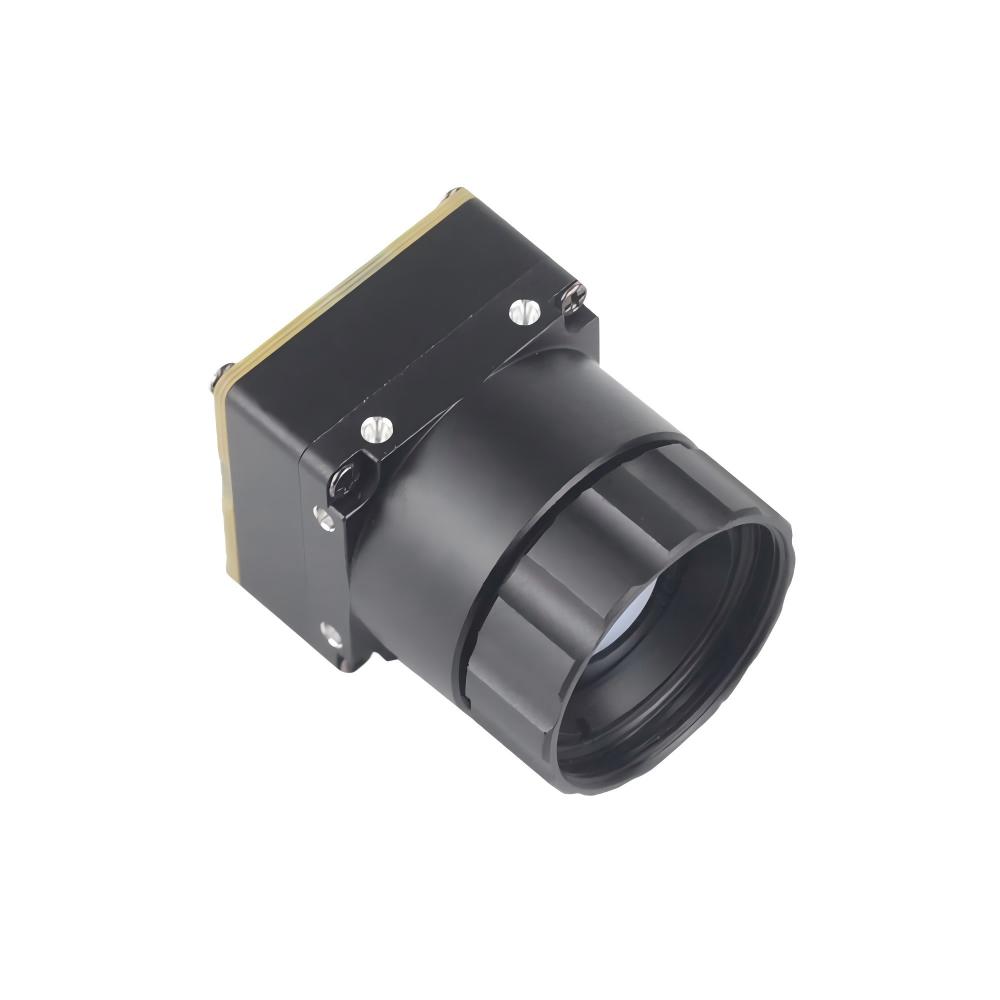
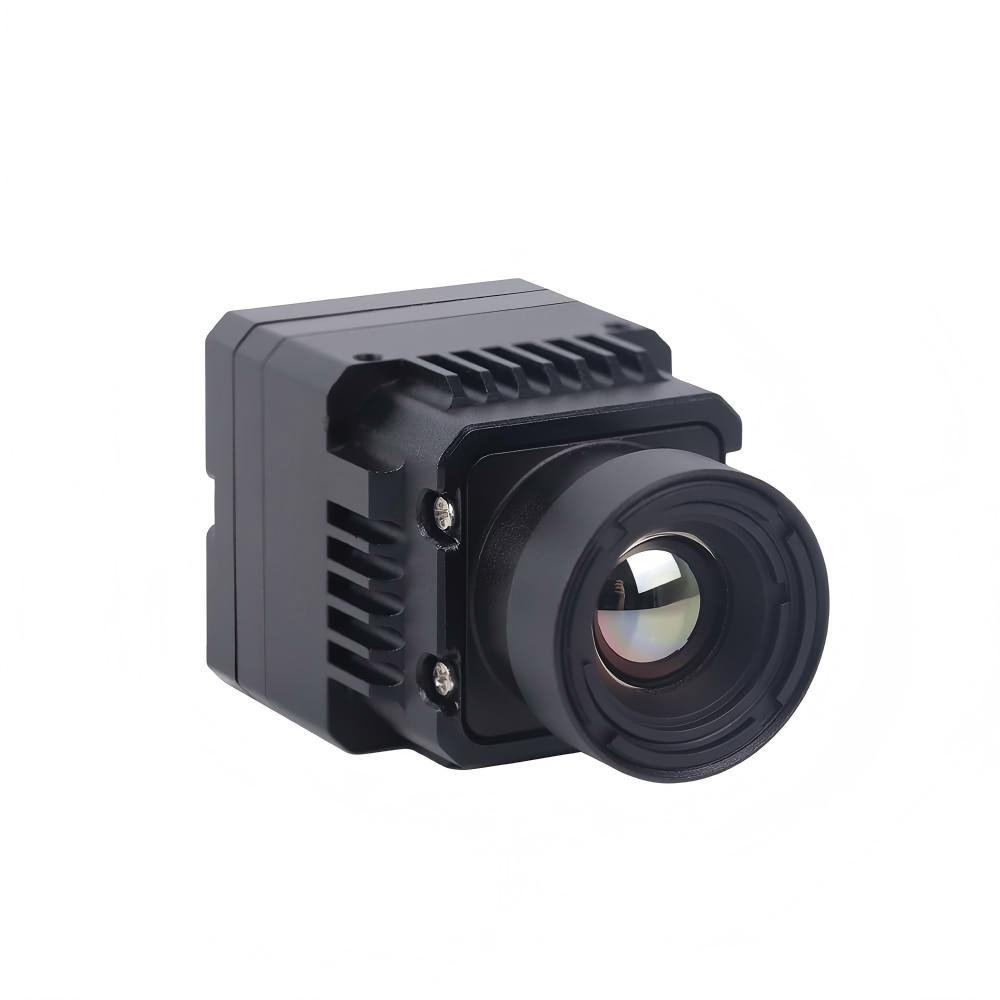
This is a game-changer for SWaP optimization (Size, Weight, and Power). When you aren't wasting CPU cycles on data ingestion, your system can actually focus on the heavy lifting—the analytics. A solid USB thermal camera module should behave like a standard UVC device, letting your devs start writing logic in hours, not weeks. Check out our High Resolution Uncooled Infrared 1280*1024 Thermal Imaging LWIR Camera to see how we handle high-end integration.
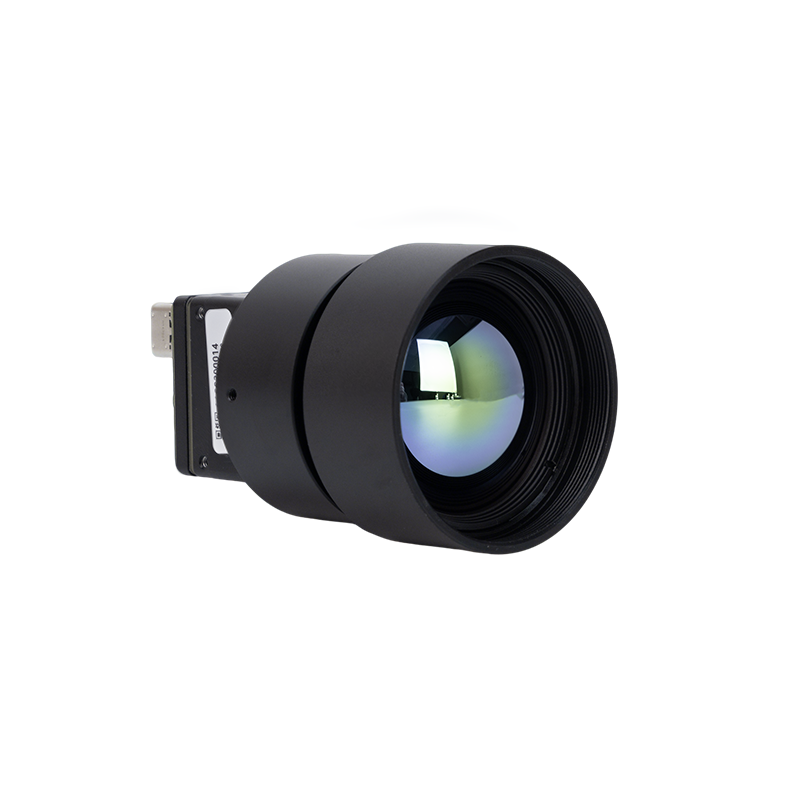
Here’s the kicker: focus on the Vanadium Oxide detector (VOx) technology. I’ve seen projects fail because they went cheap on polysilicon alternatives. VOx stacks up better for reliability because it prevents "burn-in" and holds its calibration longer. In a 24/7 industrial environment, that stability is what keeps your total cost of ownership low.
| Feature | Consumer Grade | Purpleriver Industrial Grade |
|---|---|---|
| Interface Type | Basic USB-C | High-speed USB / MIPI / CVBS |
| Detector Material | Polysilicon | Vanadium Oxide detector (VOx) |
| Data Output | Visual Image Only | Radiometric temperature data |
| Durability | Low (Internal use) | High (Industrial 24/7) |
2. Maximizing data utility with radiometric temperature data
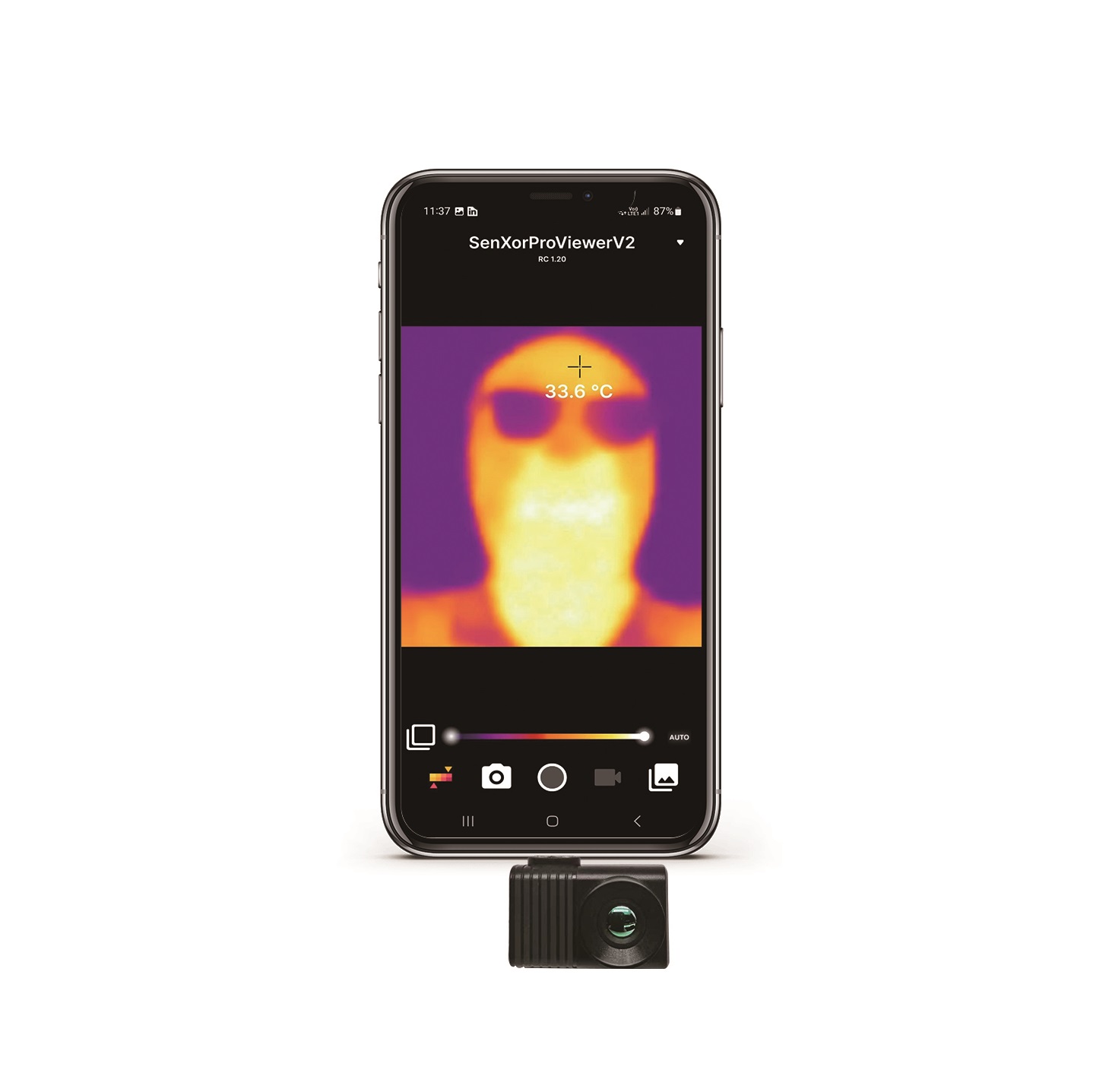
Most beginners just look at the colorful heat map and think they're done. Big mistake. The real money is hidden in the numbers. Radiometric temperature data gives you per-pixel analysis. Whether you’re running a 640x512 or a massive 1280x1024 frame, every single pixel acts as a standalone thermometer.
Raw data is the new oil in thermal imaging. If you don't have radiometric accuracy, your AI model is basically flying blind. Using a USB thermal camera module that outputs raw temperature arrays allows you to program "smart" alarms. You can ignore reflections and only trigger an alert when a specific thermal threshold is actually breached.
At Guangzhou Purpleriver, we don't mess around with single-tasking. Our modules handle dual streams. You can show a real-time heat map to a human operator while simultaneously feeding raw data to your backend AI. You shouldn't have to choose between a pretty picture and hard data—you need both to ensure safety in high-pressure environments.
3. Implementing edge AI vision for automated ROI
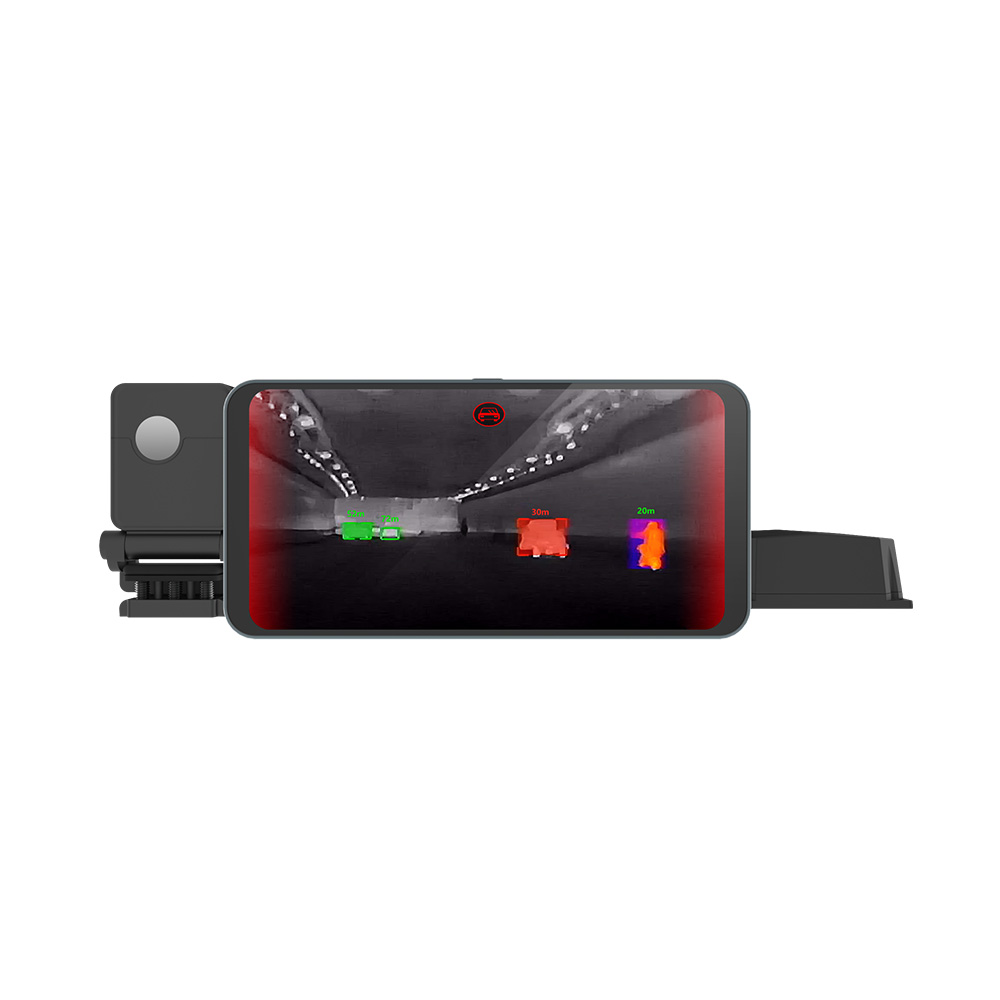
In the world of "AI Thermal Imaging+", bandwidth is a massive bottleneck. Sending 1280*1024 thermal video to the cloud is slow and expensive as hell. Edge AI vision fixes this by processing everything locally. When your USB thermal camera module spots a failure in a power grid at the edge, the response happens in milliseconds.
Our team, coming from HKUST and Huawei, built these solutions to kill latency. We’ve helped clients in over 120 cities automate inspections for high-voltage lines. By identifying a problem at the source, you’re potentially saving millions in equipment damage before it even happens.
To better understand how a USB thermal camera module performs in the real world, this video tutorial is highly recommended:
Bottom line is, don't settle for "one size fits all." Whether it's drone-mounted inspections or forest fire prevention, customization is king. Your USB thermal camera module is the foundation of your vertical-specific algorithm. If the foundation is weak, the whole AI project collapses.
4. Enhancing image quality: resolution and sensitivity
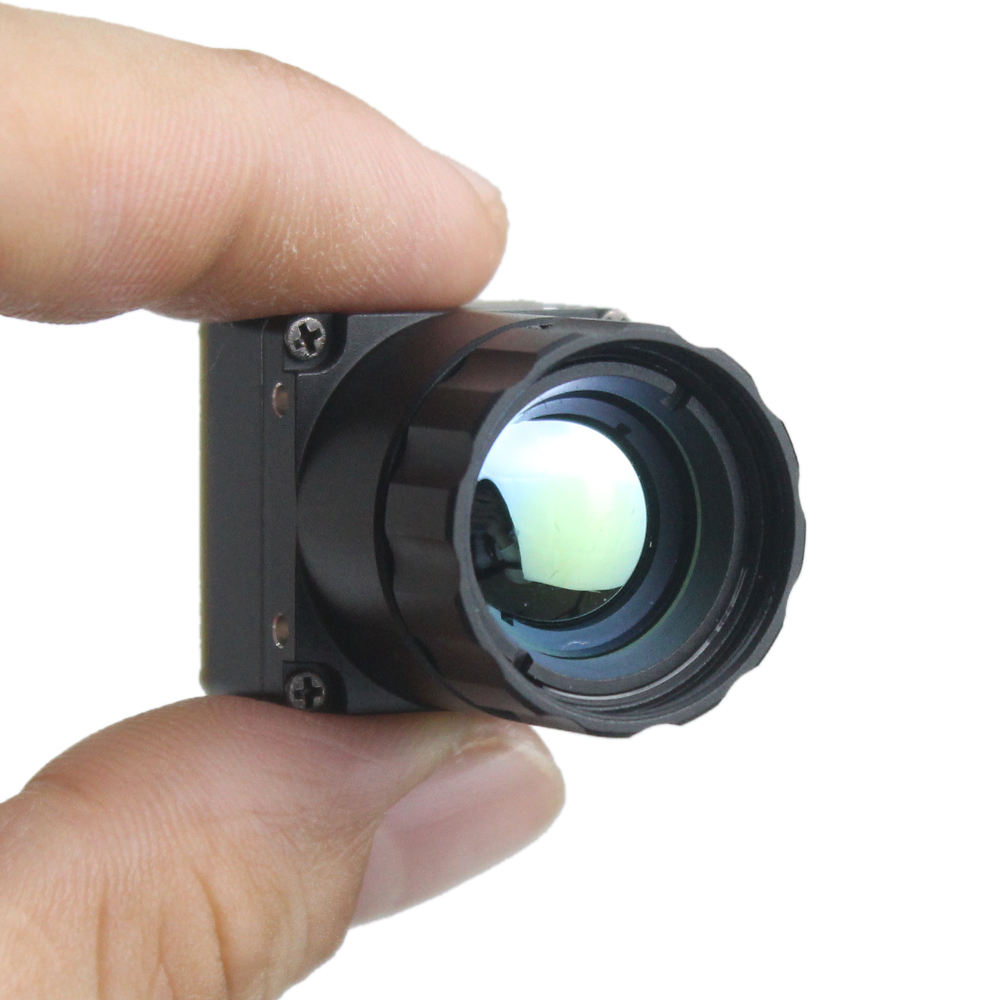
In thermal optics, size actually matters. Smaller pixel spacing, like 10μm or 12μm, lets you keep the module footprint small without losing resolution. Many of our clients want a USB thermal camera module that matches the weight-to-performance ratio of high-end DJI modules, and that's exactly what we provide.
You also need to watch the NETD (Noise Equivalent Temperature Difference). A lower NETD means the sensor is sensitive enough to see through light fog or catch early-stage friction heat in a bearing. If your USB thermal camera module lacks sensitivity, you’ll miss the warning signs until it's too late and the machine is on fire.
While consumer gadgets like the Flir One Professional are cool for DIY home projects, they don't have the frame rate for 24/7 industrial use. For professional integration, you need the ruggedness of an industrial-grade USB thermal camera module that won't quit when things get hot or dusty.
5. Robust hardware architecture and thermal management
A stable architecture is the backbone of your ROI. If you look at technical docs for an EZ-USB™ FX2G3 based USB thermal camera, you’ll see how vital high-speed data transmission is. Without it, you get dropped frames, and a dropped frame in a safety system is a liability.
Then there is Non-Uniformity Correction (NUC). Without decent NUC algorithms, your thermal image gets "cloudy" as the sensor heats up. Our USB thermal camera module uses advanced internal shutter cycles to keep the image crisp and the data accurate, no matter how the ambient temperature swings.
Last tip: ROI is often lost in lens selection. Over-specifying a lens is a waste of money; under-specifying is a waste of a sensor. Since our USB thermal camera module is modular, you can swap lenses from 4mm wide-angle to 150mm long-range. This flexibility ensures that if your mission changes, you don't have to toss the whole sensor—just the optic.
Frequently Asked Questions (FAQ)
How does a USB interface simplify thermal integration?
The USB interface is the ultimate "Plug and Play" setup. From my experience, it’s the fastest way to hook up to a PC, Android tablet, or an Edge AI box. It kills the need for proprietary power supplies and capture cards, which slashes your hardware complexity and gets your product to market faster.
Can I get raw temperature data via USB thermal modules?
Absolutely. You shouldn't buy a USB thermal camera module that doesn't offer it. We provide a dual-stream output: one for a real-time heat map visuals and a second stream for radiometric temperature data. That second stream is what your software uses to trigger automated alerts based on actual heat values.
Is it possible to customize the form factor for drones?
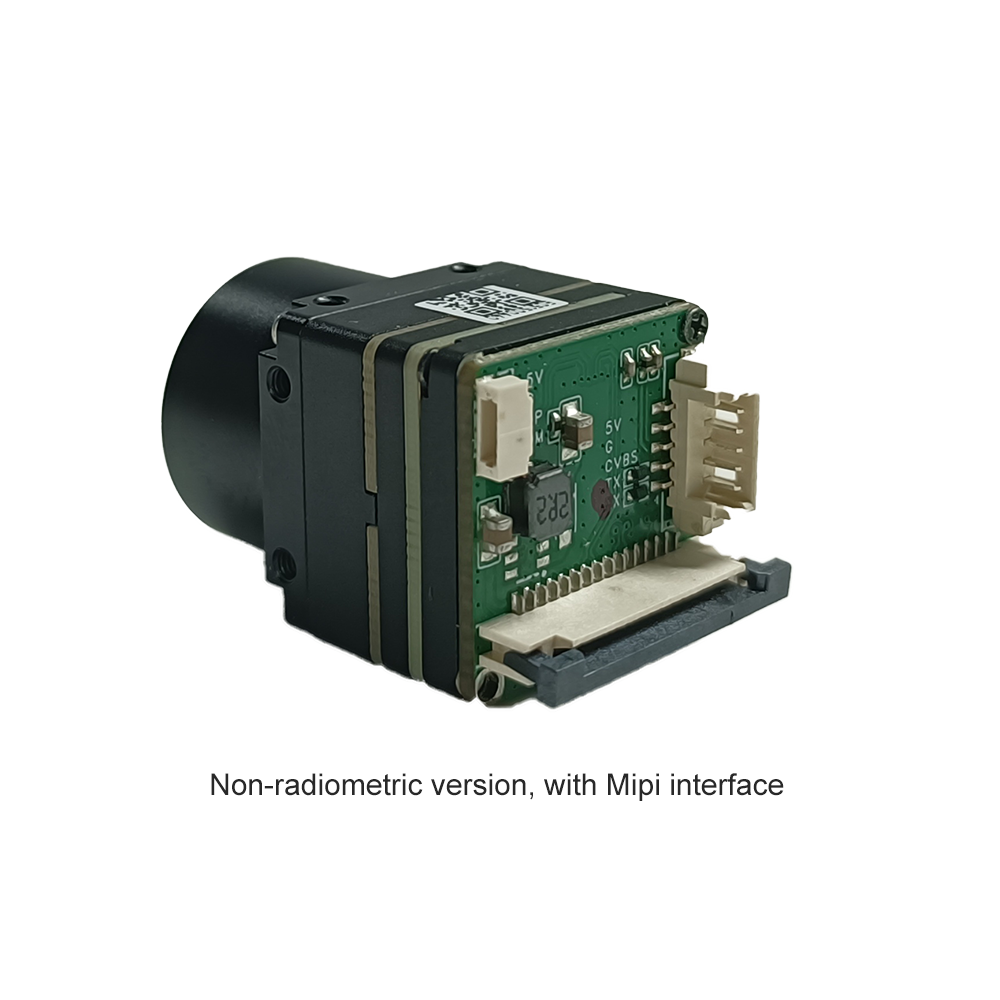
Customization is literally what we do. We know that SWaP is everything for UAVs and robotics. We can provide compact, lightweight USB thermal camera module designs with MIPI or DVP interfaces to fit tight spots without sacrificing that 1280*1024 resolution or high sensitivity.
Conclusion: The Purpleriver advantage
Investing in a USB thermal camera module is an investment in the future of your "smart" workflow. By sticking to high-resolution Vanadium Oxide detector tech and Edge AI vision, you’re setting your business up for a massive ROI breakthrough. Don't let a cheap sensor bottleneck your innovation.
Guangzhou Purpleriver Electronic Technology provides the ISO-certified, industrial-grade backbone you need. We combine HKUST-incubated agility with Huawei-level R&D rigor to make your vision systems smarter, faster, and more profitable. Stop guessing and start measuring.
Ready to boost your industrial ROI?
Image by: www.kaboompics.com
https://www.pexels.com/@karola-g