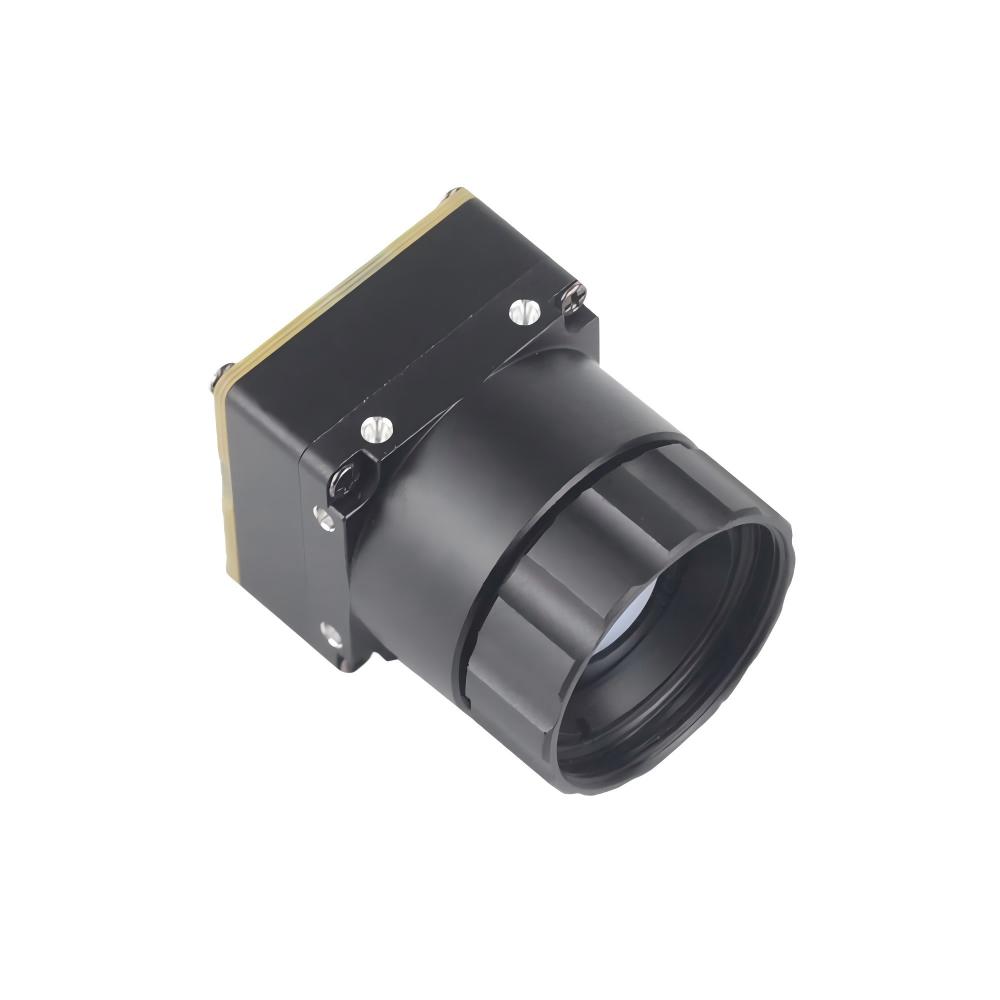
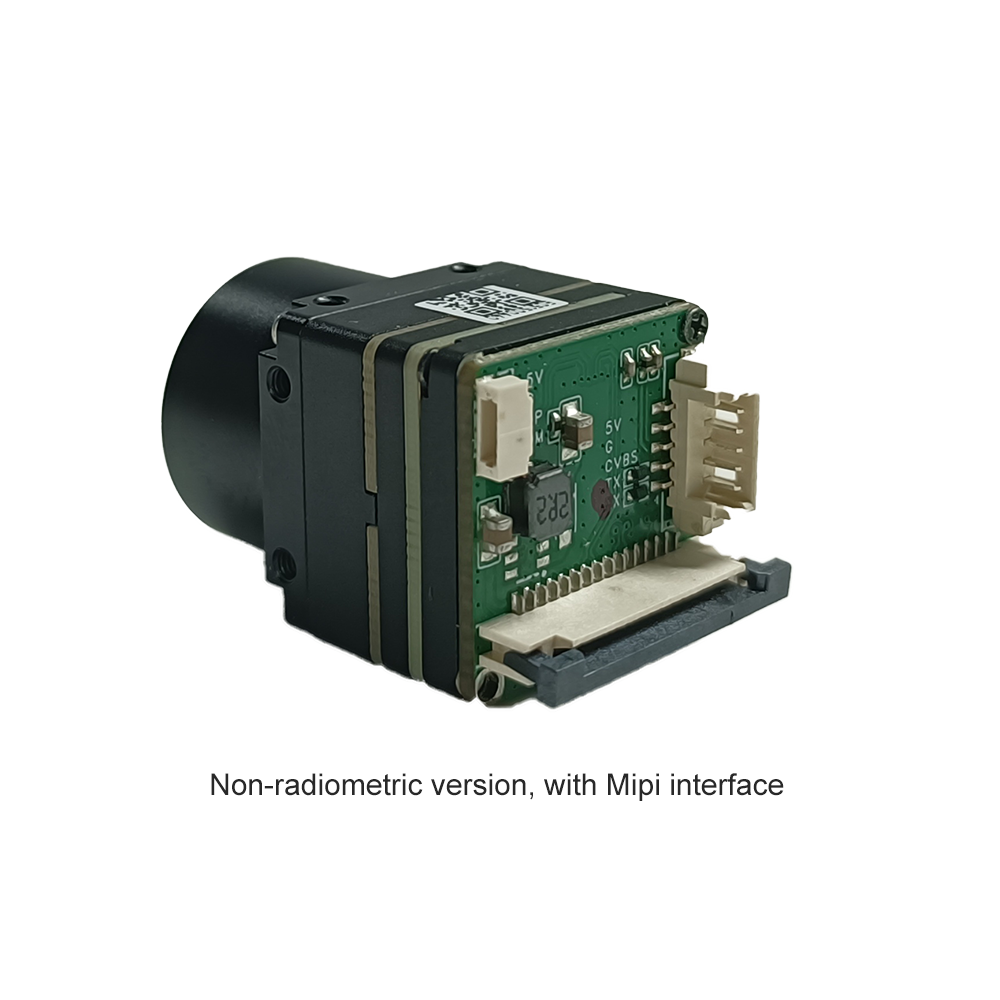
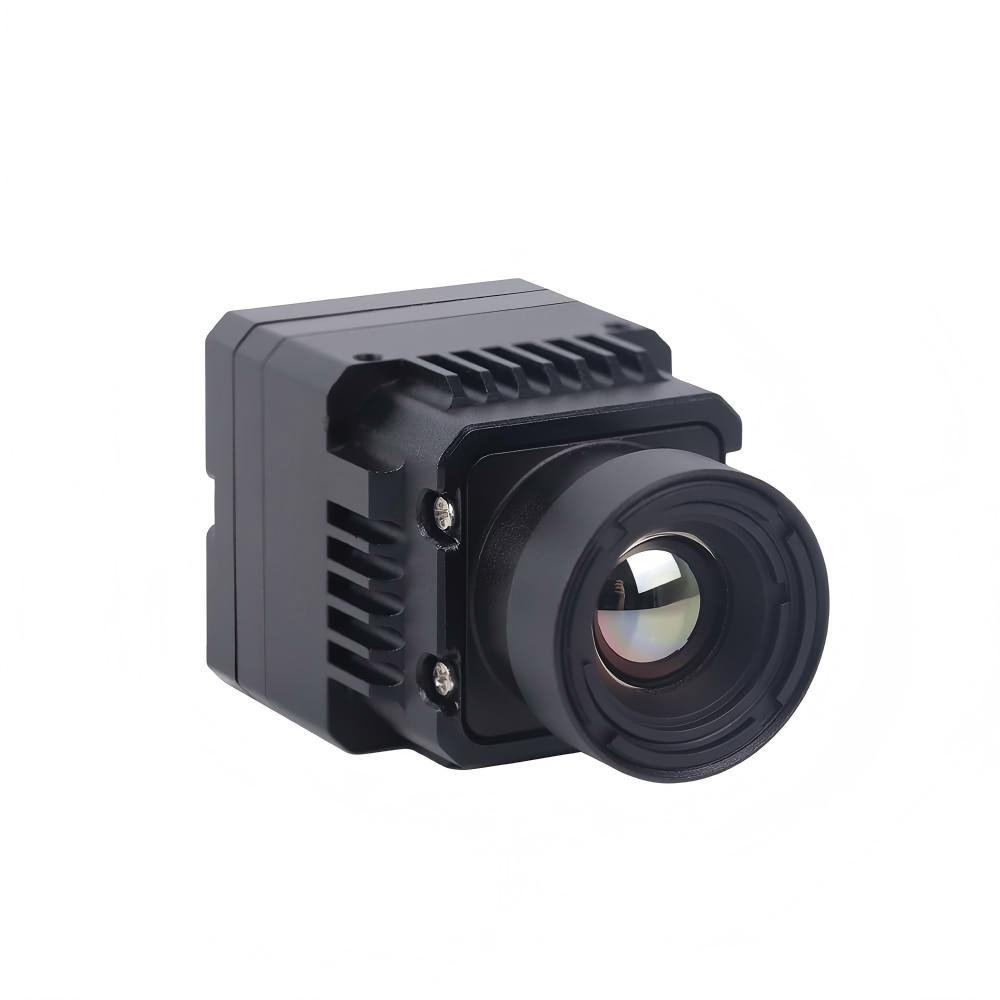
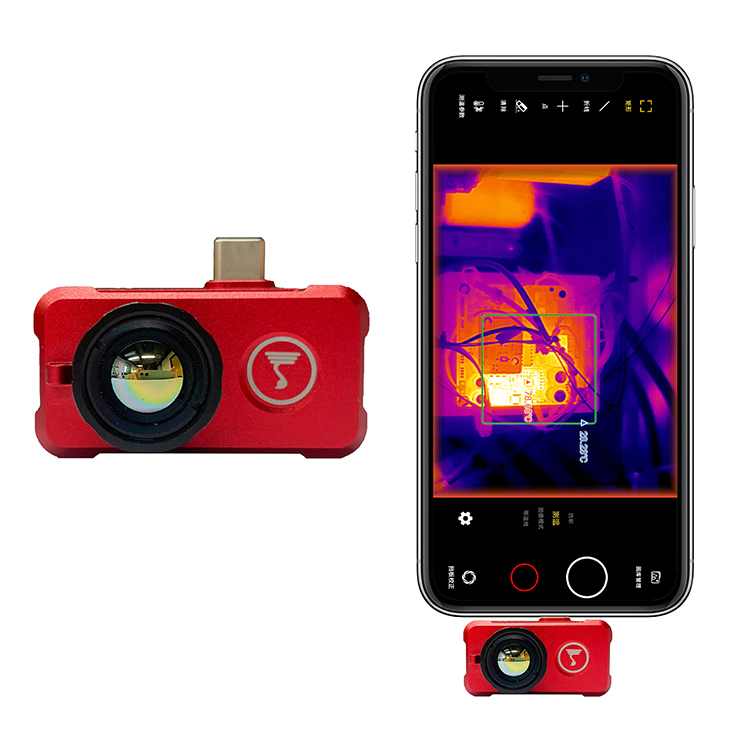

Best Raspberry Pi Thermal Camera Module for High-Res Edge AI & Linux Streaming
2026年6月11日
Choosing the Right LWIR Thermal Camera Module: An OEM Guide to Edge AI & UAV Integration
2026年6月12日
Thermal Camera Sensor Module Guide: High-Res OEM Cores for Drones & SBCs
A Definitive Engineering and Integration Playbook for Uncooled LWIR Microbolometers, High-Speed Interfaces, and Single-Board Computer Architectures.
This isn't just a list of specs; it’s a technical blueprint for teams who need to embed uncooled OEM thermal cores into single-board computers (SBCs) or custom robotic rigs. In the shop, we know the goal is to move the heavy lifting away from the power-hungry host processor and onto hardware-accelerated ASICs. This is how you get millisecond latencies and the kind of low noise (NETD) that actually makes a difference. We’re going to bridge the gap between pure sensor physics and real-world industrial deployment—complete with Python pipelines for radiometric telemetry.
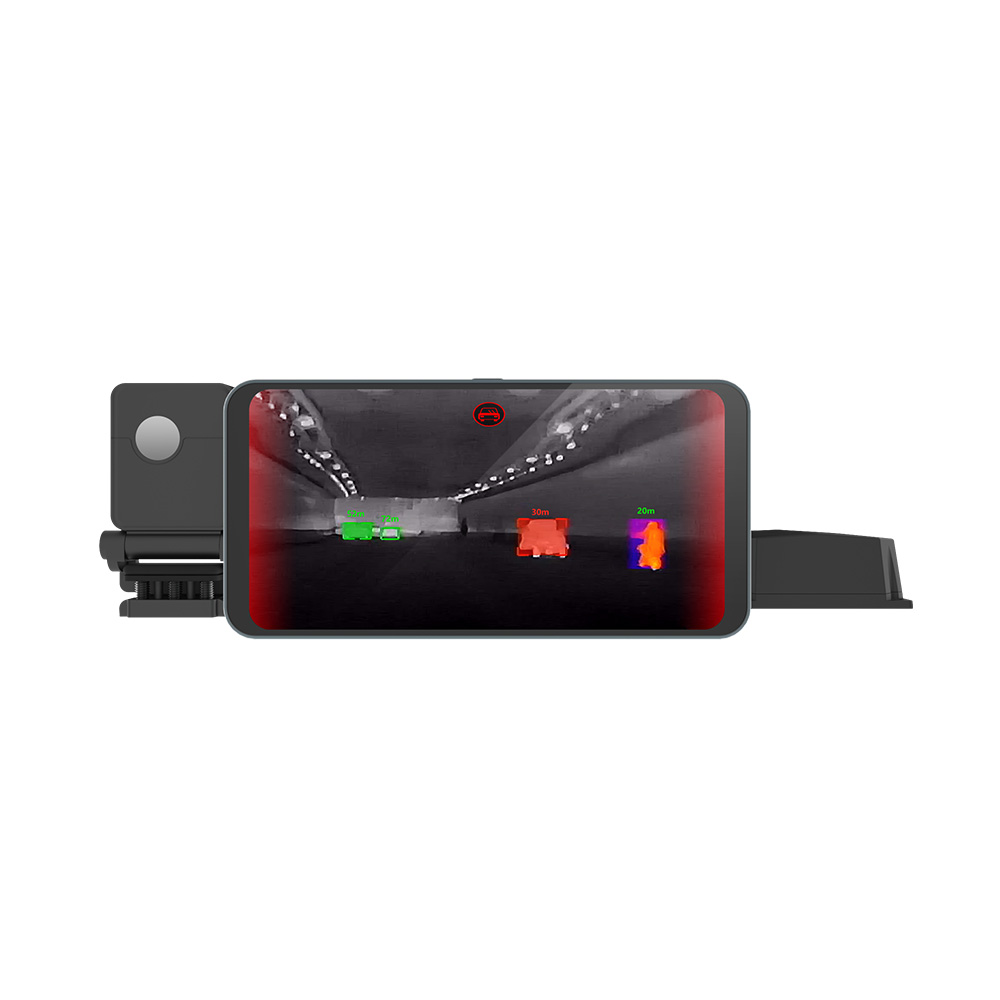
Whether you're crafting automated inspection tools for a factory floor or building a search and rescue drone, you need a module that doesn't choke your electrical bus. Using dedicated, lightweight chips on the module itself keeps your edge intelligence responsive without burning through CPU cycles. If you want to see how this plays out in the wider world of safety, you should definitely check out how thermal imaging improves vehicle safety through multi-sensor fusion and pedestrian detection.
THERMAL IMAGING REAL-TIME VIDEO
The reality is that custom sensor modules aren't just about "seeing" heat; they’re about reliable data acquisition that lasts through rough field conditions. Every choice, from the lens focal length to the communication protocol, dictates how well your machine vision interprets the world. If your data is noisy or late, your AI is essentially blind. That’s why we’re breaking this down from the ground up to make sure your integration is rock-solid.
Table of Contents
- 👉 1. Physics & Mechanical Architecture of Uncooled LWIR Cores
- 👉 2. Hardware Interfaces: Choosing USB, RJ45, MIPI, and CVBS
- 👉 3. SBC Integration & Edge AI Accelerations
- 👉 4. Featured High-Resolution OEM Core Products
- 👉 5. Lens Architecture, Field-of-View, and DRI Calculations
- 👉 6. Deep-Dive OEM Integration FAQs
- 👉 7. Engineering Selection Checklist & Next Steps
1. Physics & Mechanical Architecture of Uncooled LWIR Cores
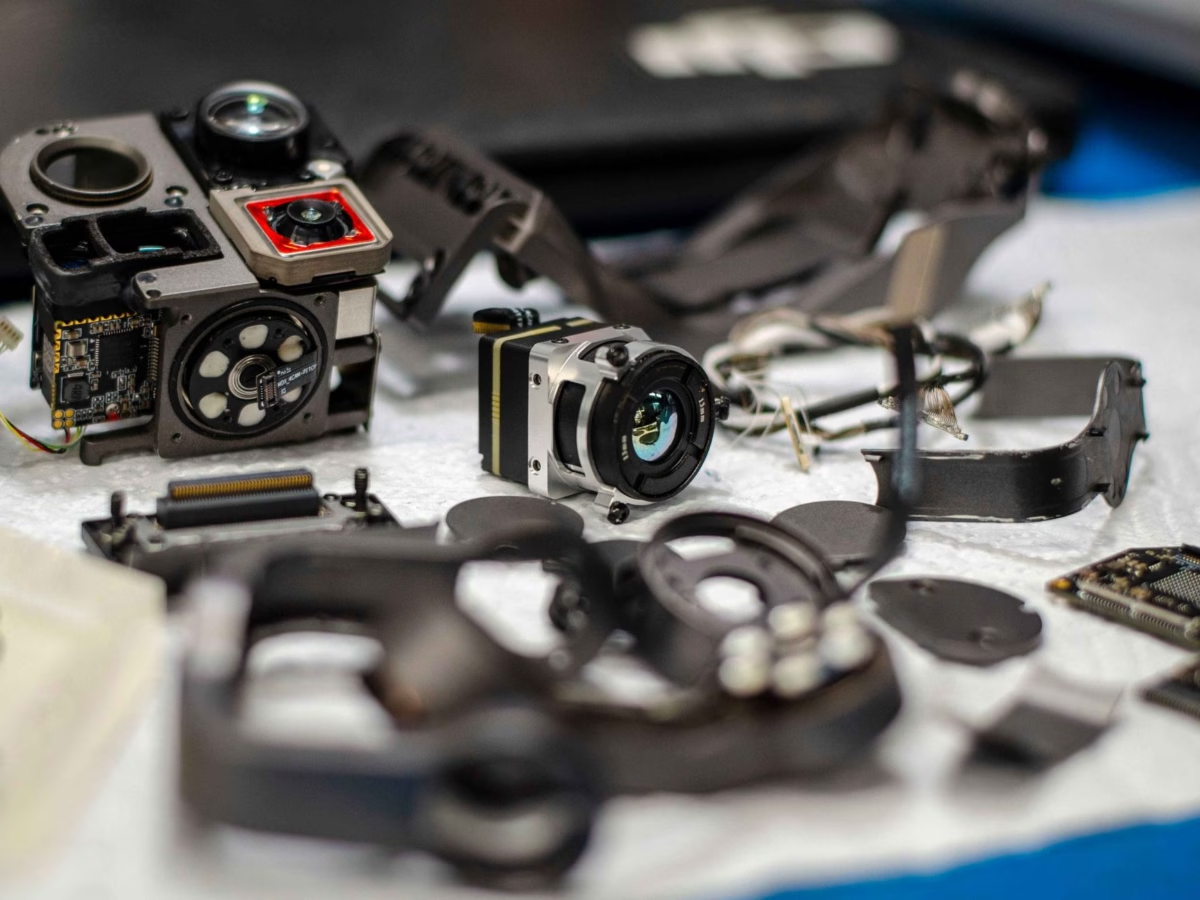
In the shop, we focus on uncooled microbolometers because, frankly, nobody wants to lug around a Stirling cryocooler just to keep a sensor at 77 Kelvin. Those cooled units are power hogs. For drone payloads or remote industrial sensors where weight is everything, uncooled LWIR cores are the way to go. These chips use tiny membranes made of things like Carbon-doped amorphous Silicon (a-Si) or Vanadium Oxide (VOx) suspended over a substrate.
VOx is the industry gold standard for a reason: it has a high Temperature Coefficient of Resistance (TCR) and doesn't suffer from the same noise issues as cheaper materials. When infrared photons hit that VOx membrane, it heats up—we're talking microscopic changes here—and that shifts the electrical resistance. The Readout Integrated Circuit (ROIC) detects that shift and builds your heat map. It's elegant physics that works in the real world.
But you can't just leave these sensors out in the open. To keep things stable, the dies are vacuum-sealed in metallic or ceramic packages. If air gets in, it ruins the thermal isolation and your sensitivity goes out the window. High-grade industrial cores are kept under high vacuum levels to ensure that each pixel bridge responds consistently, even when the environment is going to hell around the camera.
Key Performance Indicators (KPIs) Explained
- ✅ Noise Equivalent Temperature Difference (NETD): This is your sensitivity metric, measured in millikelvin (mK). Lower is better. If you see a rating under 40mK or 50mK, you're looking at crisp thermal definition. This is what lets you see micro-structures through damp air.
- ✅ Pixel Pitch: The distance between pixels, usually in micrometers (μm). The industry is moving from 17μm to 12μm. Smaller pitch means you can use smaller, lighter glass to get the same field of view—a huge win for drone weight budgets (SWaP-C).
- ✅ Time Constant: How fast a pixel can physically change temperature (typically 8ms–15ms). Stick this on a 50Hz or 60Hz board and you get smooth video without the "ghosting" artifacts that plague cheaper sensors.
One more thing: thermal drift is a real pain. As the sun beats down on your housing, the internal VOx substrate temperature moves. Top-tier modules fix this with a physical shutter for Non-Uniformity Correction (NUC)—you'll hear that little "click" while it calibrates. The real high-end stuff uses shutterless algorithms to keep things steady without ever freezing the feed. That's what you want for high-stakes surveillance.
If you're starting out, don't waste time with 80x60 grids. Get yourself a mid-to-high resolution core like the MD Series 384x288 Thermographic Module. It's the sweet spot for clarity and budget.
2. Hardware Interfaces: Choosing USB, RJ45, MIPI, and CVBS
Choosing the wrong interface will kill your project before it even gets off the ground. I've seen it a hundred times—people try to push too much data over a link that can't handle the latency. Let's look at how these thermal sensor modules actually talk to your controller.
Interface Breakdown and Technical Comparison
- ⚙️ USB (UVC/Virtual COM): This is your best friend for short runs (under 3 meters). If you're plugging into an onboard payload hub or an industrial PC, USB is the way to go. Most support USB Video Class (UVC), meaning it's plug-and-play with standard drivers. Plus, you can often pull 14-bit raw radiometric data for serious analysis.
- ⚙️ RJ45 / IP Ethernet: Use this for security or distributed sensors where you've got long cable runs (up to 100m). These modules run their own internal IP server. They compress the raw frames into H.264/H.265 and stream them via RTSP. It makes integrating with an NVR a breeze.
- ⚙️ CVBS (Analog): Think legacy, but think fast. If you're flying a drone and need zero-latency video for tight maneuvers, CVBS is the king. There’s basically no compression delay because you’re dealing with a raw interlaced signal.
- ⚙️ MIPI-CSI: This is the pro-level choice for embedded microprocessors. It goes straight to the ISP registers, bypassing USB bottlenecks entirely. But be warned: you'll need some hardcore hardware skills to get the device-tree overlays and RF traces right.
A lot of the industrial cores we use come with multi-pin Hirose or JST connectors. This is great because you can actually pull low-latency CVBS for a pilot's feed while simultaneously sending radiometric data over USB to a co-processor for AI object detection. It's about versatility. We want the on-board ASIC to handle the noise reduction and gain control so our host processor doesn't sweat the small stuff.
3. SBC Integration & Edge AI Accelerations
Here’s where it gets exciting. We're now at a point where we can do full object detection and anomaly tracking right on the edge. If you're hooking up a high-res uncooled LWIR thermal module to an NVIDIA Jetson (Nano, Orin, or Xavier), you’re playing in the big leagues. You don't want to send data to the cloud in the field—latency will kill you. You need it handled locally.
Optimizing Thermal Latency pipelines
To avoid frame drops, you have to stay away from CPU-bound decoding. We use GStreamer with Nvidia's NVMM memory channels. This lets the GPU grab the compressed frames, decode them in hardware, and push them right into CUDA tensors for TensorRT inference. Zero latency, maximum throughput.
Check out this Python setup. It's a multi-threaded approach I use for pulling RTSP streams from ASIC-driven cores like those from KUYANG without blocking the main logic loop:
import cv2
import threading
import time

class ThermalCameraStreamer:
    def __init__(self, rtsp_url):
        self.rtsp_url = rtsp_url
        # Pro-tip: Low-latency GStreamer pipeline is a must
        self.gstreamer_pipeline = (
            f"rtspsrc location={self.rtsp_url} latency=50 ! "
            "rtph264depay ! h264parse ! avdec_h264 ! "
            "videoconvert ! appsink drop=true sync=false"
        )
        self.cap = None
        self.frame = None
        self.running = False
        self.lock = threading.Lock()

    def start(self):
        self.cap = cv2.VideoCapture(self.gstreamer_pipeline, cv2.CAP_GSTREAMER)
        if not self.cap.isOpened():
            raise RuntimeError("CRITICAL: GStreamer pipeline fail. Check your network.")

        self.running = True
        self.thread = threading.Thread(target=self._update_loop, daemon=True)
        self.thread.start()
        print("[INFO] Thermal acquisition thread is live.")

    def _update_loop(self):
        while self.running:
            ret, frame = self.cap.read()
            if not ret:
                time.sleep(0.01)
                continue
            with self.lock:
                self.frame = frame

    def get_latest_frame(self):
        with self.lock:
            return self.frame.copy() if self.frame is not None else None

    def stop(self):
        self.running = False
        if self.cap:
            self.cap.release()
4. Featured High-Resolution OEM Core Products
I’ve put these cores through their paces. If you’re sourcing hardware, these are the heavy hitters. You can find the full technical drawings on the thermal-image.com catalog.
Uncooled Infrared RJ45 CVBS RTSP IP 640*512 ASIC Thermal Sensor Camera Module
This is essentially the Swiss Army knife of thermal cores. It balances resolution and connectivity, making it perfect for drone gimbals or stationary security rigs where you need both analog and IP feeds simultaneously.
| Spec | Details |
|---|---|
| Sensor | VOx Microbolometer |
| Res | 640 * 512 |
| Output | RJ45 (IP) + CVBS |
| Processor | Integrated ASIC |
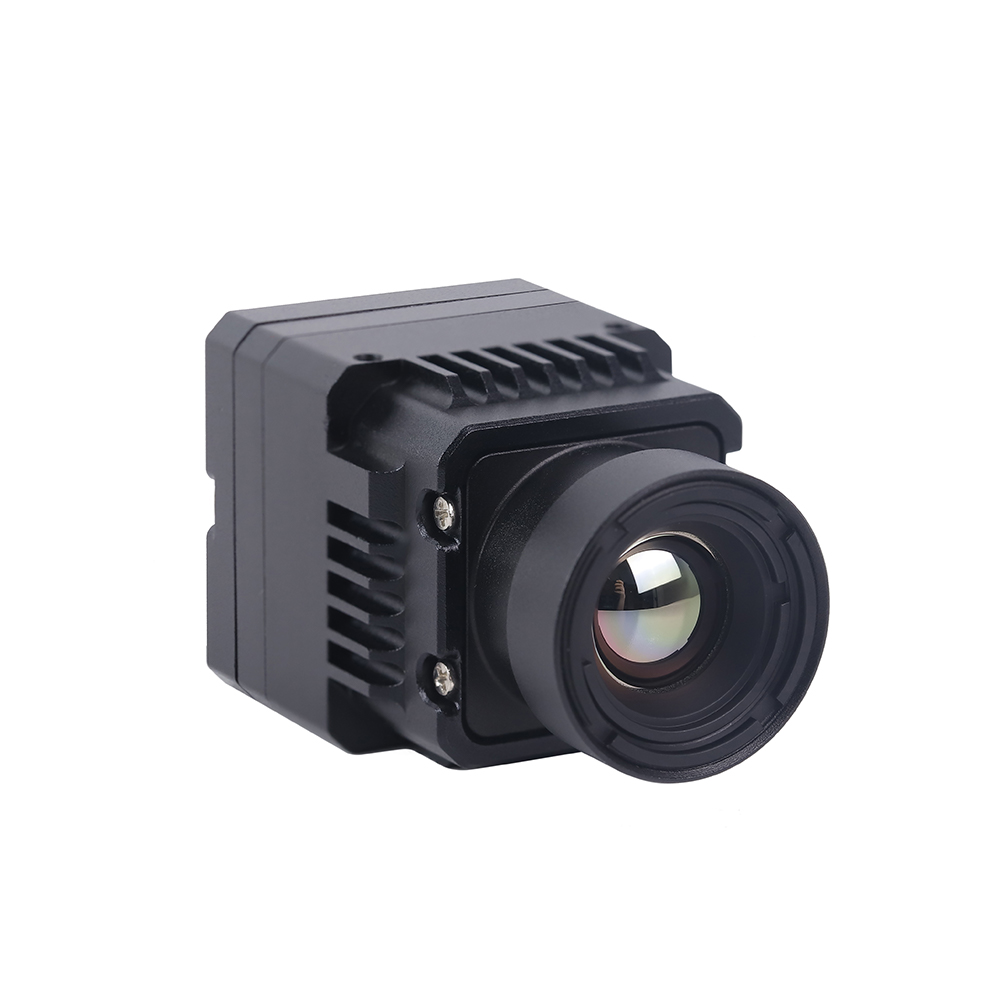
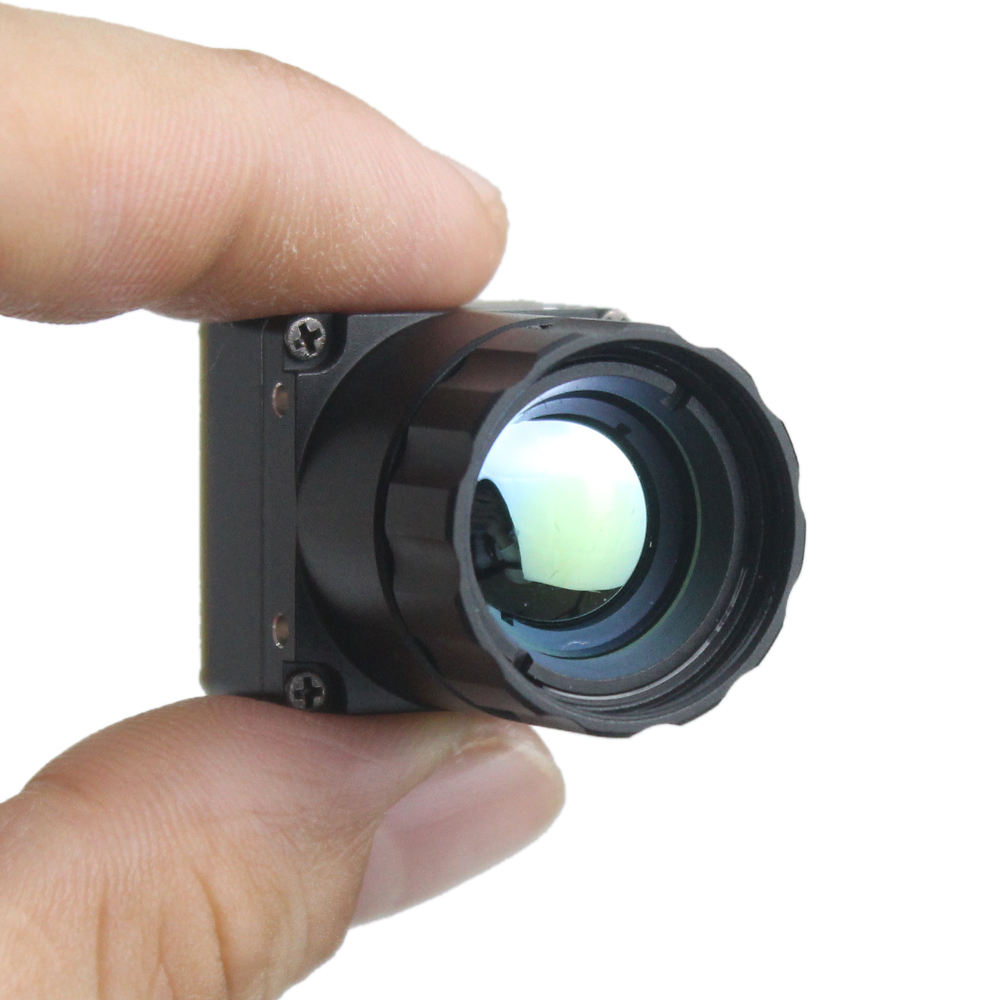
Uncooled LWIR USB Mini 640*512 Thermal Imaging Core (DJI Style)
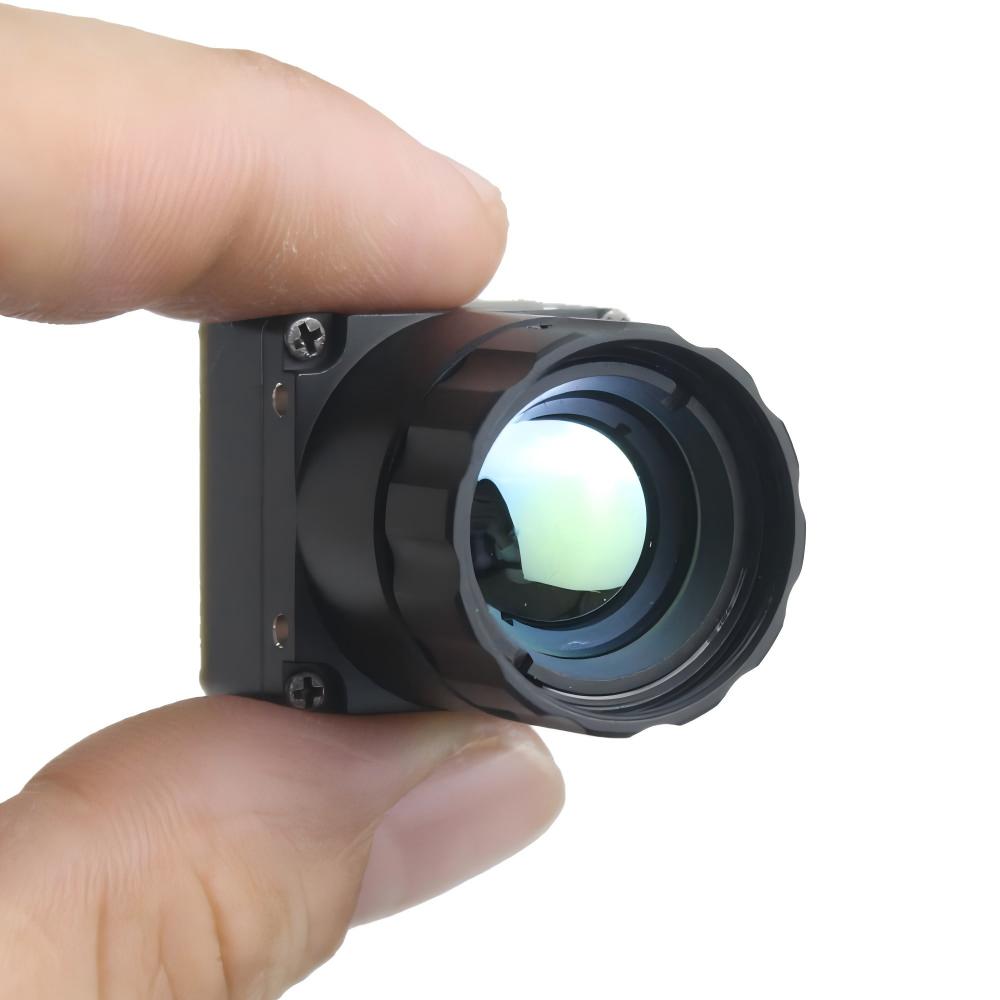
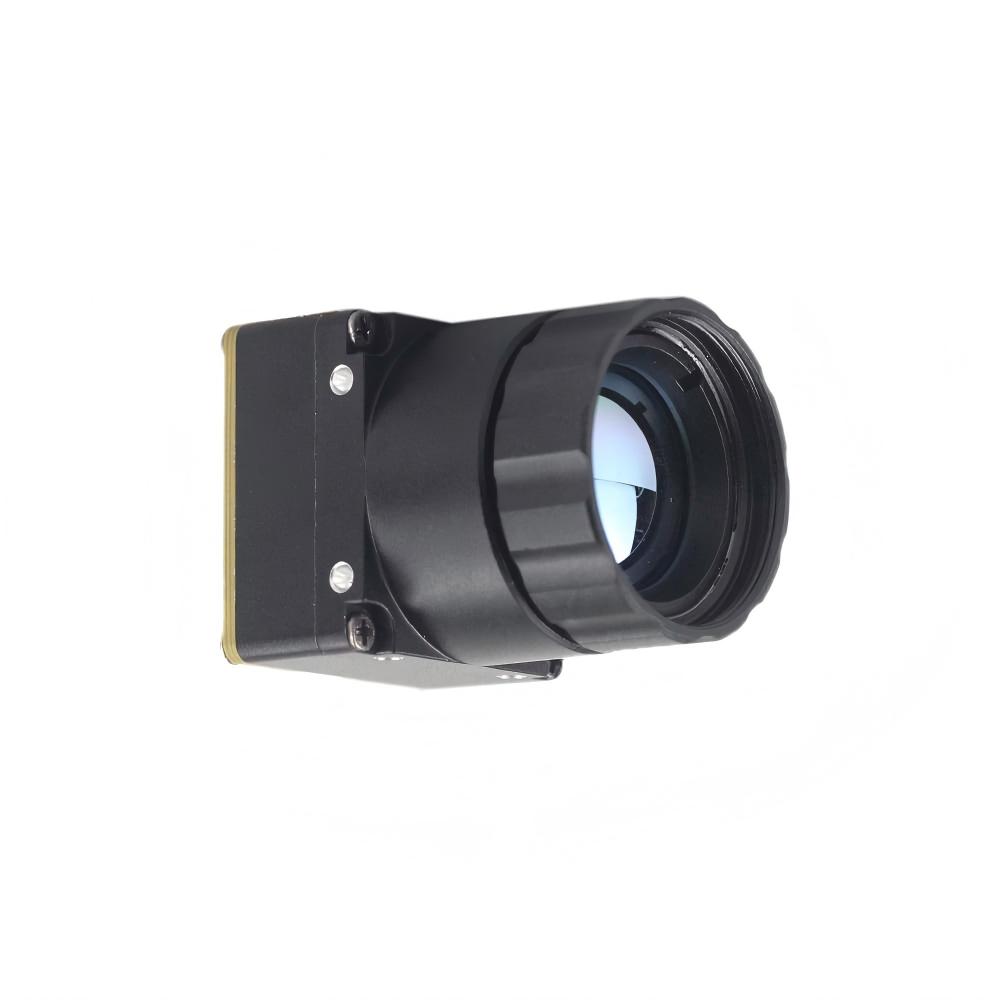
If you're dealing with tight space constraints—like a DJI-size gimbal—this is your go-to. It’s tiny (21mm x 21mm) but doesn't cut corners on image quality. It’s basically built for tactical wearables and small drone systems.
| Spec | Details |
|---|---|
| Size | 21mm * 21mm |
| Lenses | 5mm to 150mm support |
| Res | 640 * 512 |
5. Lens Architecture, Field-of-View, and DRI Calculations
In the shop, we don't guess. We calculate. If you pick a lens without doing the math, you're going to end up with a blurry mess at 100 yards. The relationship between your pixel pitch and focal length determines your resolution on target.
1. Instantaneous Field of View (IFOV)
This is what each single pixel sees. Here’s how you calculate it:
Where p is the pixel pitch (like 12μm) and f is the focal length (like 19mm). For that setup, you’re looking at about 0.631 mrad. At 100 meters, each pixel covers about a 6.3cm square. If you need to see a loose bolt on a bridge from 50 meters away, you’re going to need a tighter lens.
2. Johnson's Criteria (The DRI Standard)
When someone asks, "How far can this thing see?", they’re talking about Johnson’s Criteria. We break it down into three levels:
- ✅ Detection: I see a "blob" (needs ~1.5 pixels).
- ✅ Recognition: I see a "human blob" vs a "truck blob" (needs ~6.0 pixels).
- ✅ Identification: I see "human holding a wrench" (needs ~12.0 pixels).
| Lens Focal Length | Detection (1.8m Human) | Recognition | Identification |
|---|---|---|---|
| 9 mm (Wide) | 250m | 63m | 31m |
| 19 mm (Standard) | 527m | 132m | 66m |
| 50 mm (Long) | 1,388m | 347m | 174m |
6. Deep-Dive OEM Integration FAQs
Can I stream high-resolution thermal video to a Raspberry Pi in real time?
What’s the difference between a cheap thermopile and a microbolometer?
Which interface should I use: USB or RJ45?
7. Engineering Selection Checklist & Next Steps
Before you commit to a purchase, run through this checklist I keep in my notebook. It’ll save you a lot of headache later.
- ⚙️ Power Check: Do you have clean 5V/12V DC? Dirty power leads to ugly thermal noise.
- ⚙️ Weight (SWaP-C): If you’re flying, look at 21x21mm cores. Every gram counts.
- ⚙️ Radiometric Data: Do you just need a picture, or do you need to know the temperature of every single pixel? If it’s the latter, make sure the module outputs 14-bit data.
- ⚙️ OS Support: Does your SBC have the drivers? Standard Linux V4L2 is usually the safest bet for USB.
For custom quotes or technical deep dives, just hit up the pros at the thermal-image.com tech portal. They know this stuff inside and out.
📚 References & Further Reading
- Industry Standard: NVIDIA Jetson development for embedded AI.
- Sourcing: Wholesale thermal components through KUYANG.
- Product Options: MD Series 384x288 Microbolometer Core.
- Safety Case Study: Automotive Thermal Integration.